1
Quick Start, Making Copies
Starting the Scribe Application
To start the Scribe application the steps are as follows:
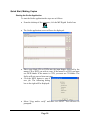
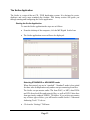
• From the desktop of the computer, click the MF Digital Scribe Icon
Scribe.lnk
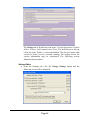
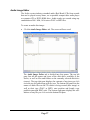
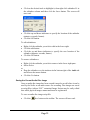
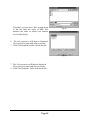
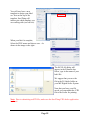
• The Scribe application screen will now be displayed:
• Place some blank CDs or DVDs into the input hopper followed by the
master CD or DVD you wish to copy. If the master is a DVD you must
use DVD blanks. If the master is a CD, you must use CD blanks. The
Scribe will not convert between types.
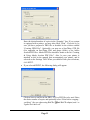
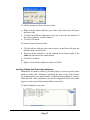
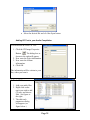
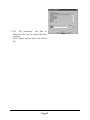
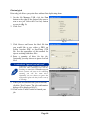
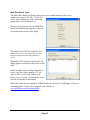
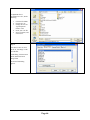
• Click the NEW button to start a
new job. The following dialog
box to the right will be displayed:
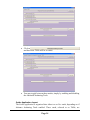
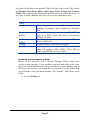
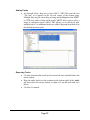
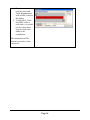
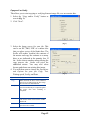
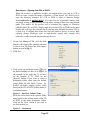
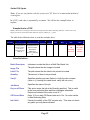
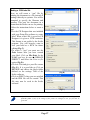
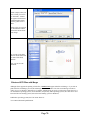
• Select “Copy and/or verify” and then click NEXT. You will now be
prompted:
Page 10