1
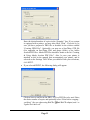
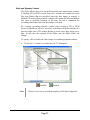
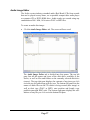
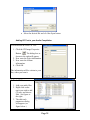
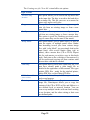
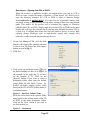
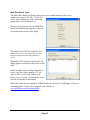
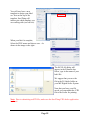
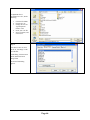
‘Customized’ allows you to choose the
sub-folder name of each disc in the batch
to rip. This sub folder will be created
within the main destination folder. By
default, the first disc will be copied to a
sub-folder called Disc1, the second to
Disc2, and so on (fig 3).
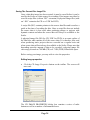
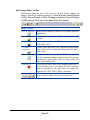
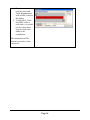
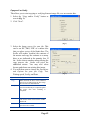
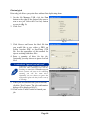
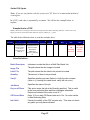
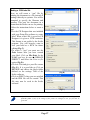
If you wish to modify this, double click on
the entry you wish to change (fig 4). Select
the desired destination folder, if other than
the default, then enter the desired subfolder name in the file name text box then
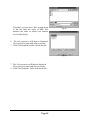
click save. You will be returned to the
folder list dialog (fig 3).
(fig. 3)
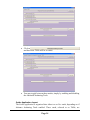
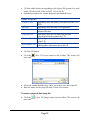
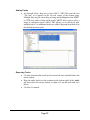
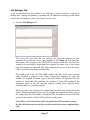
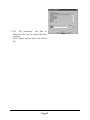
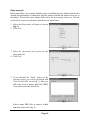
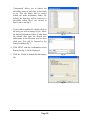
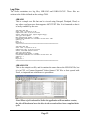
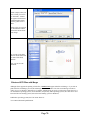
4. Click NEXT, and the confirmation screen
depicted in fig. 5 will be displayed.
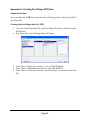
5. Click the ‘Finish' to launch the data import
job.
(fig. 4)
(fig. 5)
Page 50