1
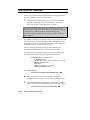
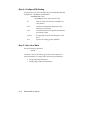
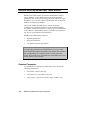
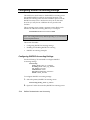
Step 7 - Configure Dialing Scripts
You can configure up to six send scripts and six reply scripts for
the connection. Send and reply scripts specify modem
commands required to establish and terminate the remote
connection.
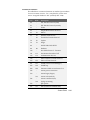
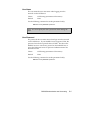
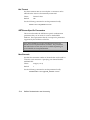
Set up dialing scripts using the following command:
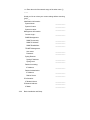
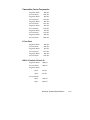
set dial_out user <name>
send1_script <"string">
send2_script <"string">
send3_script <"string">
send4_script <"string">
send5_script <"string">
send6_script <"string">
reply1_script <"string">
reply2_script <"string">
reply3_script <"string">
reply4_script <"string">
reply5_script <"string">
reply6_script <"string">
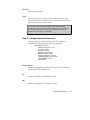
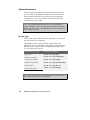
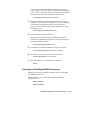
Step 8 - Configure PPP Parameters
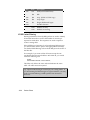
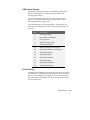
If you are using PPP, you can configure several PPP-specific
parameters using the following command:
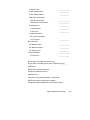
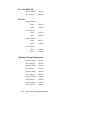
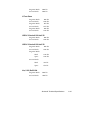
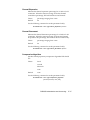
set network user <name> ppp
channel_decrement <1-100>
channel_expansion <1-100>
compression_algorithm [ascend | auto | microsoft | none |
stac]
expansion_algorithm [linear | constant]
max_channels <number of channels>
min_compression <128-1514>
receive_acc_map <hexadecimal value - array of 4 bytes>
transmit_acc_map <hexadecimal value - array of 4 bytes>
reset_mode_compression [auto | every_packet | every_error]
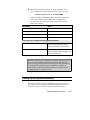
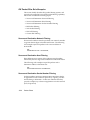
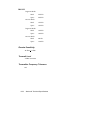
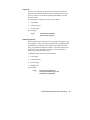
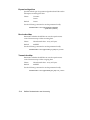
Channel Decrement
Indicates the channel decrement percentage. When the amount
of usage of the second channel drops below this percentage, PPP
will use the first channel only. The default is 20 percent.
LAN-to-LAN Routing
7-15