1
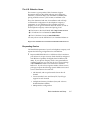
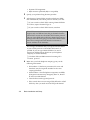
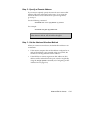
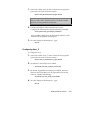
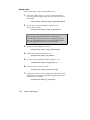
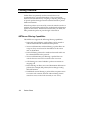
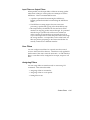
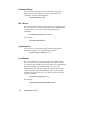
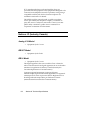
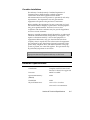
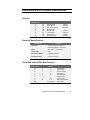
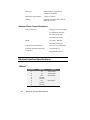
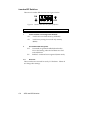
These switch settings are defaults only and remain in effect only
until configuration is changed using AT commands.
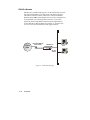
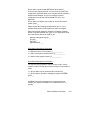
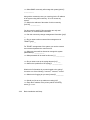
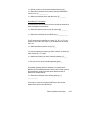
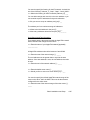
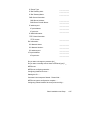
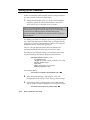
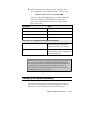
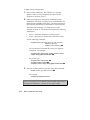
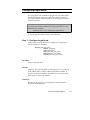
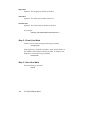
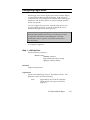
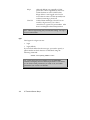
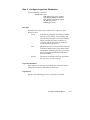
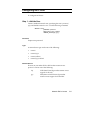
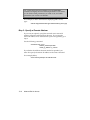
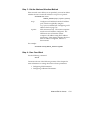
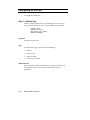
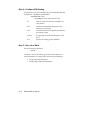
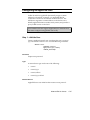
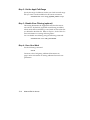
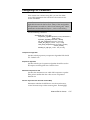
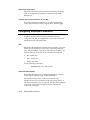
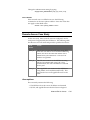
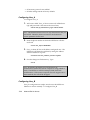
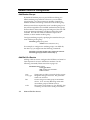
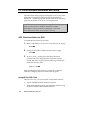
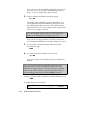
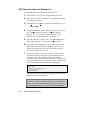
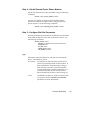
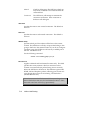
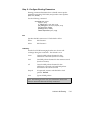
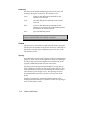
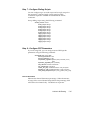
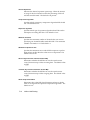
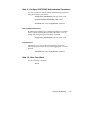
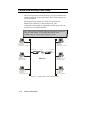
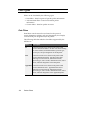
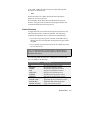
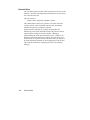
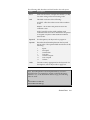
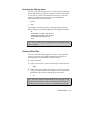
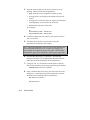
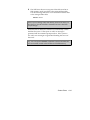
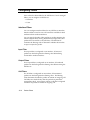
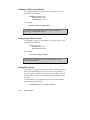
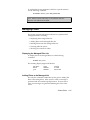
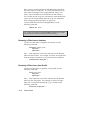
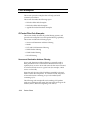
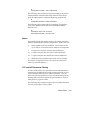
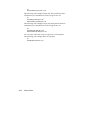
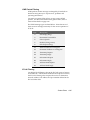
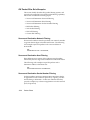
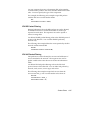
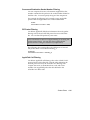
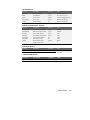
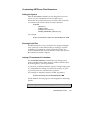
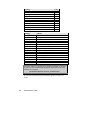
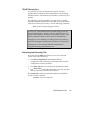
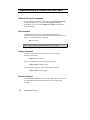
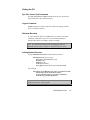
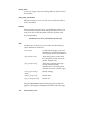
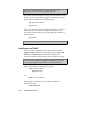
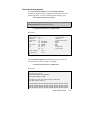
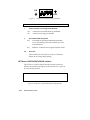
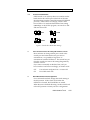
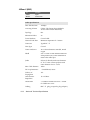
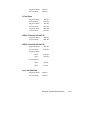
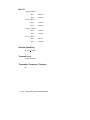
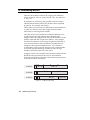
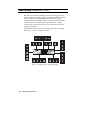
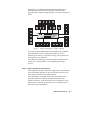
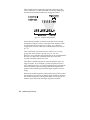
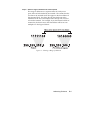
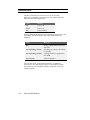
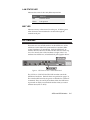
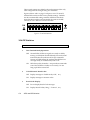
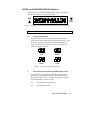
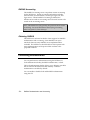
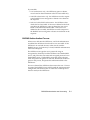
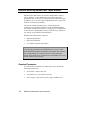
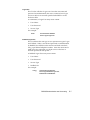
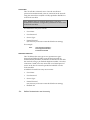
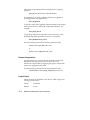
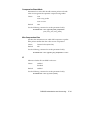
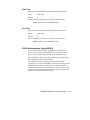
Figures 3 below and 4 on page C-8 depict a row of V.34 and Imodem DIP switches in their factory default settings. Defaults
are the recommended settings with the NETServer hardware.
Note that these switches are functionally the same as the DIP
switches on a U.S. Robotics Courier I-modem.
ON
1
3
2
4
5
6
7
8
9
10
OFF
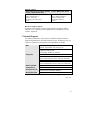
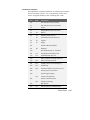
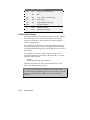
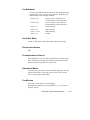
Figure 3. V.34 DIP Switches
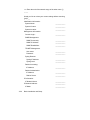
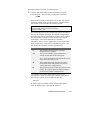
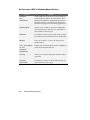
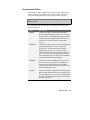
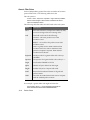
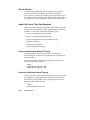
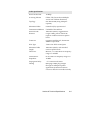
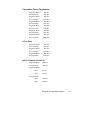
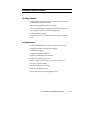
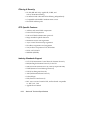
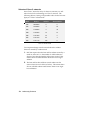
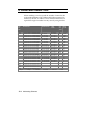
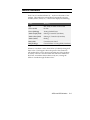
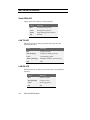
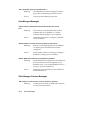
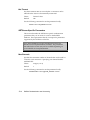
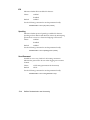
V.34 DIP Switches
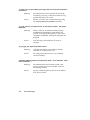
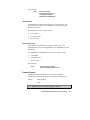
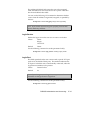
Switch
1
Function
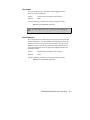
Data Terminal Ready Operations
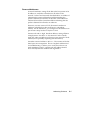
OFF Normal DTR: NETServer signals it is ready to talk by
turning on DTR (Data Terminal Ready) line in the serial
interface before the modems will accept commands.
Turning off DTR (telling the modems the NETServer is
no longer ready to communicate) ends a call.
ON
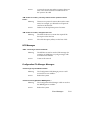
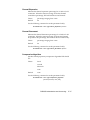
2
DTR always ON (Override) . Accept modem commands
even if the NETServer claims it is not ready. Do not
hang up if DTR is turned off.
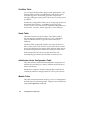
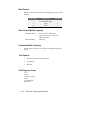
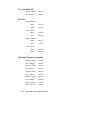
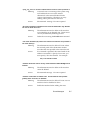
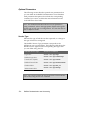
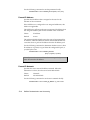
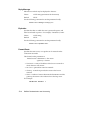
Verbal/Numeric Result Codes
OFF Display messages in Verbal mode (“OK”, etc.)
ON
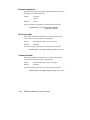
3
Display messages as numeric codes
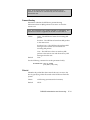
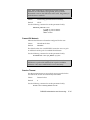
Result Code Display
OFF Do not display Result Code messages
ON
C-6
Display Result Codes (“Ring”, “Connect”, etc.)
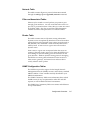
LEDs and DIP Switches