1
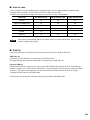
NOTE
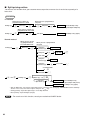
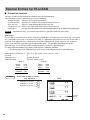
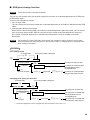
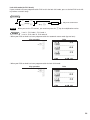
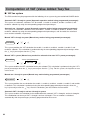
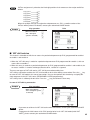
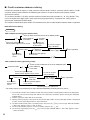
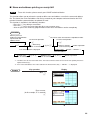
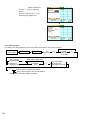
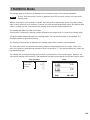
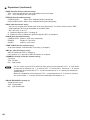
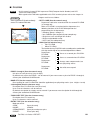
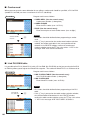
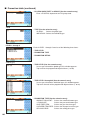
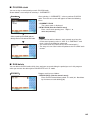
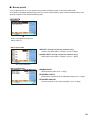
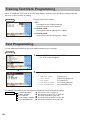
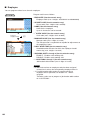
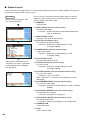
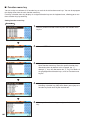
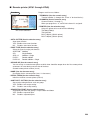
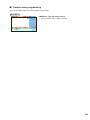
*1: You can pick up PLU/EAN codes for issuing the report. You can pick up new PLU/EAN
codes or the codes that were picked up the last time. To pick up new codes, select “1 NEW
PICKING”, and follow the procedure show below to pick up new codes. To pick up the codes
that were picked up last time, select “2 LAST PICKING”.
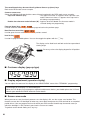
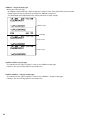
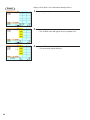
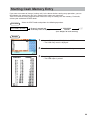
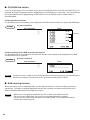
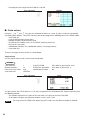
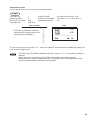
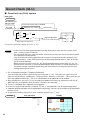
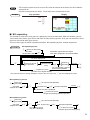
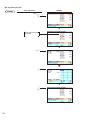
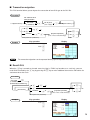
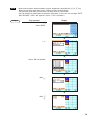
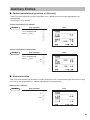
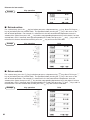
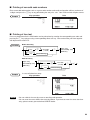
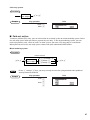
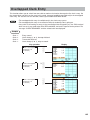
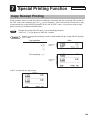
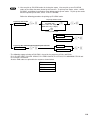
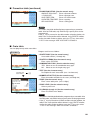
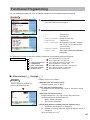
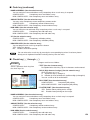
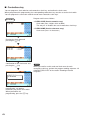
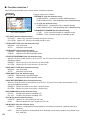
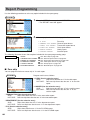
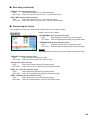
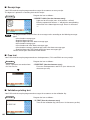
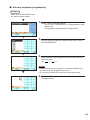
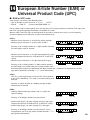
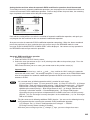
Follow the following procedure for picking up PLU/EAN codes.
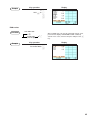
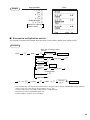
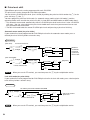
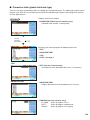
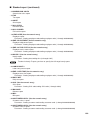
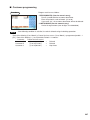
To pick up another code
To pick up new codes
1 NEW PICKING
c or e
PLU/EAN code
(PLU code: max. 5digits)
(EAN code: max. 13digits)
e
c or e
Ä
Scanning EAN code
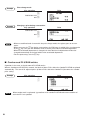
1 DISPLAY
c or e
2 REPORT PRINTER
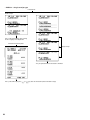
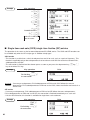
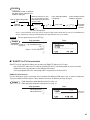
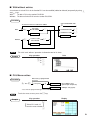
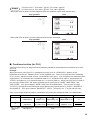
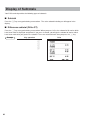
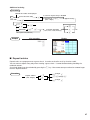
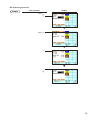
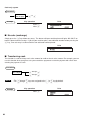
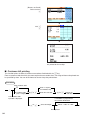
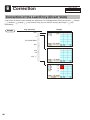
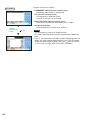
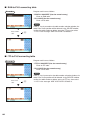
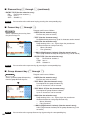
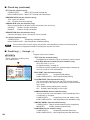
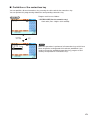
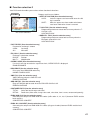
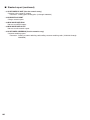
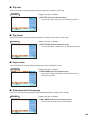
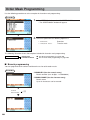
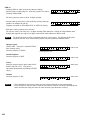
To pick up the codes that were picked up the last time
2 LAST PICKING
c e
1 DISPLAY
or
c or e
2 REPORT PRINTER
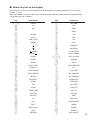
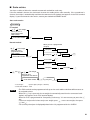
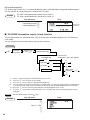
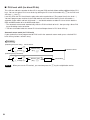
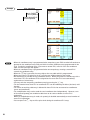
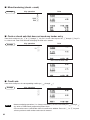
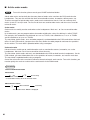
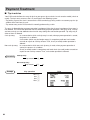
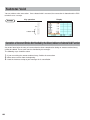
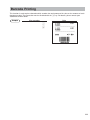
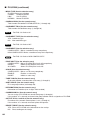
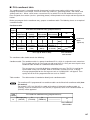
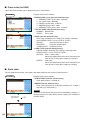
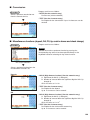
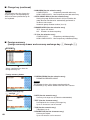
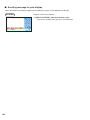
* The following reports relating to PLU/EAN is issued in the sequence of PLUs and EANs.
PLU, PLU BY DEPT, PLU IND. GROUP, PLU ZERO SALES, PLU STOCK, PLU MINIMUM STOCK and
PLU PRICE CATEGORY
Also the EAN codes are printed in the sequence shown below.
EAN-13
EAN-8
UPC-A
UPC-E
119