1
■ Stacked report
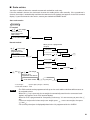
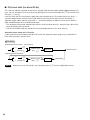
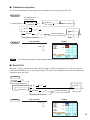
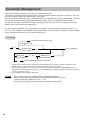
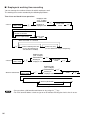
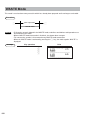
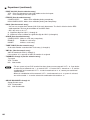
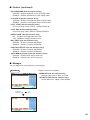
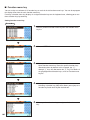
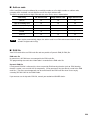
Your POS terminal is equipped with the stacked report printing function that enables multiple X/Z reports to
be printed in sequence with a single request.
Procedure
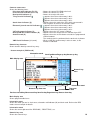
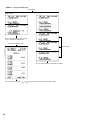
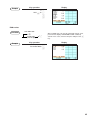
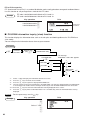
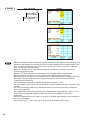
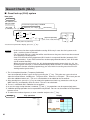
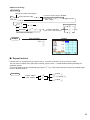
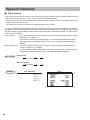
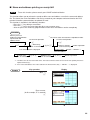
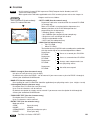
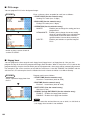
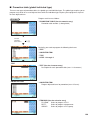
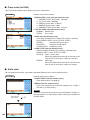
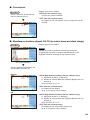
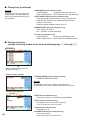
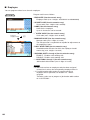
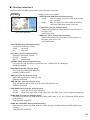
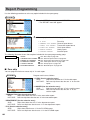
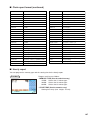
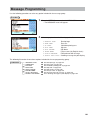
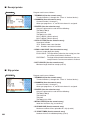
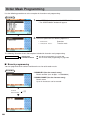
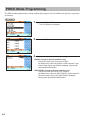
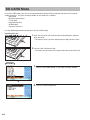
Select a stacked report no. from
the stacked reports list.
▼
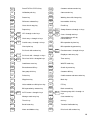
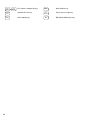
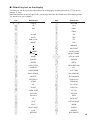
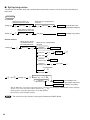
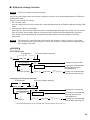
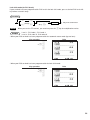
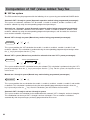
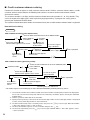
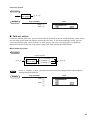
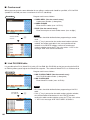
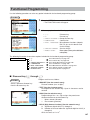
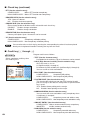
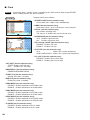
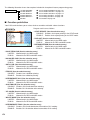
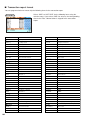
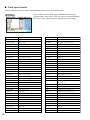
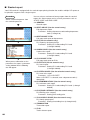
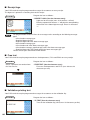
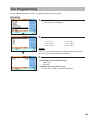
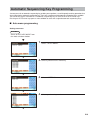
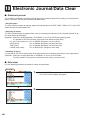
You can select a maximum of twenty reports from the stacked
reports list. Some reports can be set their parameters such as
“START CODE” and “END CODE.”
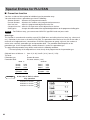
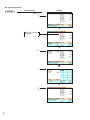
• 01 GENERAL
General report
• 02 DEPT./GROUP (Use the numeric entry)
Full department report
Parameter: Starting department code/ending department
code (1 through 99)
• 03 DEPT.GROUP TOTAL
Full group total report on departments
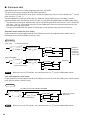
▼
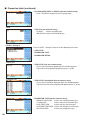
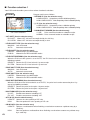
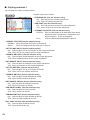
• 04 PLU (Use the numeric entry)
PLU report by designated range
Parameter: Starting PLU code/ending PLU code
(1 through 999999)
• 05 COMBO SALES (Use the numeric entry)
Combo sales report
Parameter: Starting PLU code/ending PLU code
(1 through 99999)
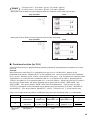
▼
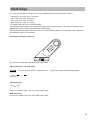
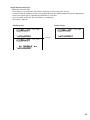
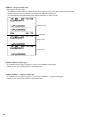
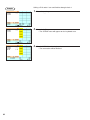
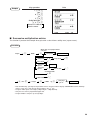
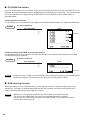
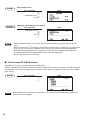
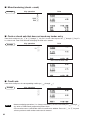
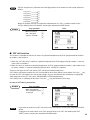
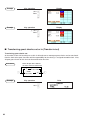
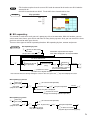
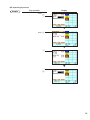
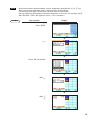
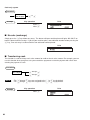
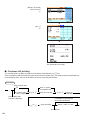
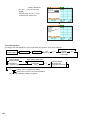
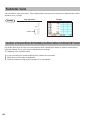
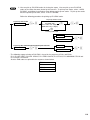
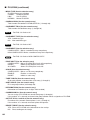
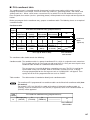
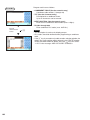
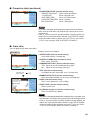
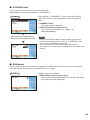
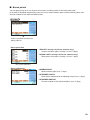
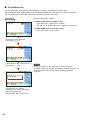
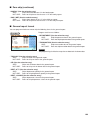
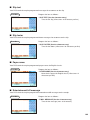
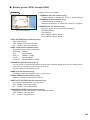
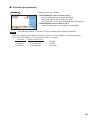
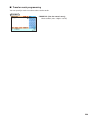
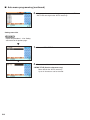
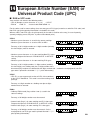
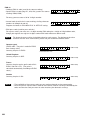
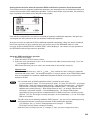
When you are allowed to set the
parameter of a report, a parameter
setting window like the following
one will appear.
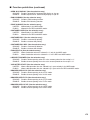
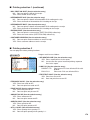
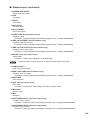
• 06 PLU GROUP TOTAL
Full group total report on PLUs
• 07 PLU STOCK (Use the numeric entry)
PLU stock report
Parameter: Starting PLU code/ending PLU code
(1 through 999999)
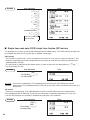
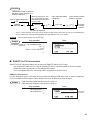
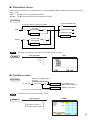
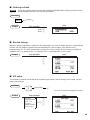
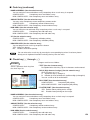
• 08 PLU ZERO SALES (Use the selective/numeric entry)
PLU zero sales report
Parameter: 1 ALL/2 BY DEPT.
When “2 BY DEPT.” is selected, enter a department code (1
through 99).
• 09 PLU MINIMUM STOCK (Use the numeric entry)
PLU minimum stock report
Parameter: Starting PLU code/ending PLU code (1 through
999999)
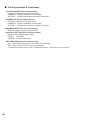
• 10 PLU PRICE CATEGORY (Use the numeric entry)
PLU/EAN by price category
Parameter: Starting price/ending price
• 11 PLU HOURLY GROUP (Use the numeric entry)
PLU hourly group report
Parameter: Starting time/ending time (0 through 2345)
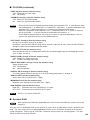
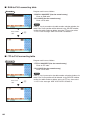
• 12 TRANSACTION
Transaction report
• 13 TL-ID
Total in drawer report
188