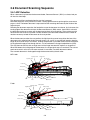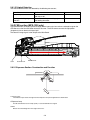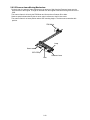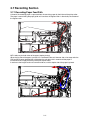
1
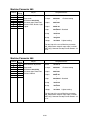
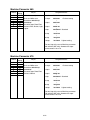
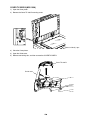
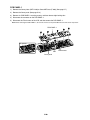
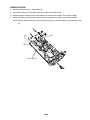
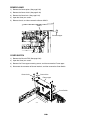
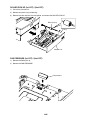
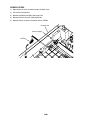
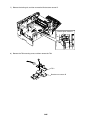
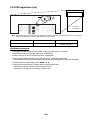
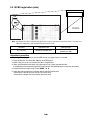
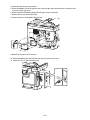
COVER PANEL (MFX-1330)
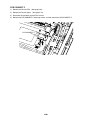
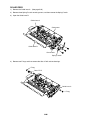
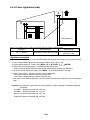
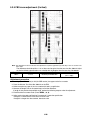
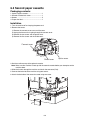
1) Remove the Cover platen. (See page 5-7)
2) Remove five Cover top mounting screws, and then removes the Cover top.
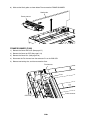
3) Remove three Cover panel mounting screws, then release three locking tabs, and then remove the
COVER PANEL.
Cover top
Cover panel
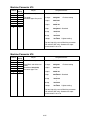
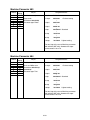
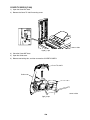
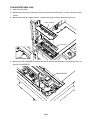
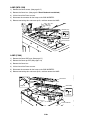
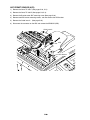
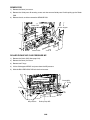
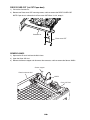
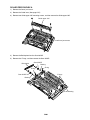
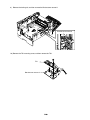
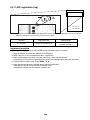
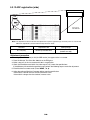
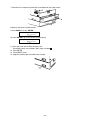
COVER PANEL (F-300)
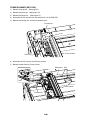
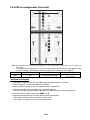
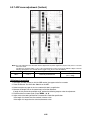
1) Remove the Cover ADF base. (See page 5-7)
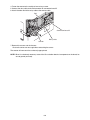
2) Remove five Cover top PPF mounting screws, and then remove the Cover top PPF.
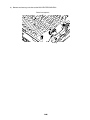
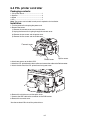
3) Remove three Cover panel mounting screws, then release three locking tabs, and then remove the
COVER PANEL.
Cover top PPF
Cover panel
5-13