1
ADSL/VoIP Gateway User’s Guide
A
Configuring your Computers
Configuring your Computers
This appendix provides instructions for configuring the Internet
settings on your computers to work with the Hata! Stil
tanımlanmamış..
Configuring Ethernet PCs
Before you begin
By default, the Hata! Stil tanımlanmamış. automatically assigns
the required Internet settings to your PCs. You need to configure
the PCs to accept this information when it is assigned.
10. In some cases, you may
want to assign Internet
information manually to some
or all of your computers
rather than allow the Hata!
Stil tanımlanmamış. to do
so. See
Note
Assigning static Internet information to your PCs on page 92 for
instructions.
•
•
If you have connected your LAN PCs via Ethernet to the
Hata! Stil tanımlanmamış., follow the instructions that
correspond to the operating system installed on your PC:
•
Windows® XP PCs on page 89
•
Windows 2000 PCs on page 90
•
Windows Me PCs on page 91
•
Windows 95, 98 PCs on page 91
•
Windows NT 4.0 workstations on page 91
If you want to allow Wireless PCs to access your device,
follow the instructions in Configuring Wireless PCs on page
96.
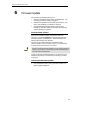
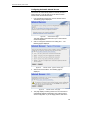
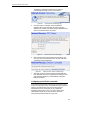
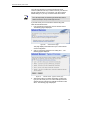
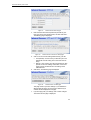
Windows® XP PCs
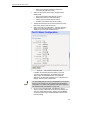
1. In the Windows task bar, click the Start button, and then click
Control Panel.
2. Double-click the Network Connections icon.
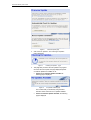
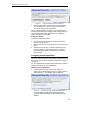
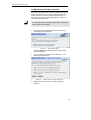
3. In the LAN or High-Speed Internet window, right-click on the
icon corresponding to your network interface card (NIC) and
select Properties. (Often, this icon is labeled Local Area
Connection).
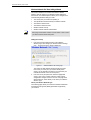
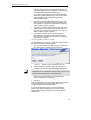
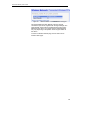
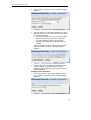
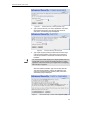
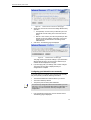
The Local Area Connection dialog box is displayed with a list
of currently installed network items.
88
Biçimlendirilmiş: Madde
Đşaretleri ve Numaralandırma