1
ADSL/VoIP Gateway User’s Guide
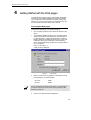
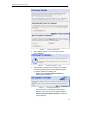
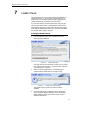
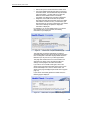
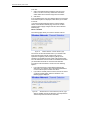
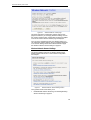
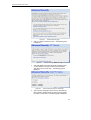
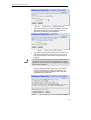
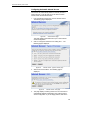
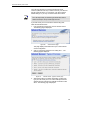
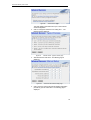
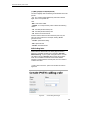
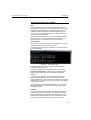
Figure 80:
Internet Access: VPI and VCI Setup page
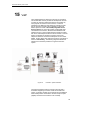
4. At this page, click on the VCI and VPI setting determined by
your ISP:
•
Fixed (default) - click on this if your ISP tells you to use
default VPI and VCI setting. This is the most common
setup.
Manual – click on this if your ISP has provided you with
specific VPI and VCI settings. Click Next>. At the next
page, type the provided VPI and VCI settings in the
relevant boxes.
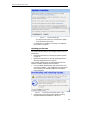
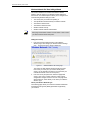
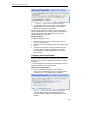
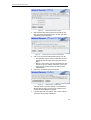
5. Click Next>. The following page is displayed:
•
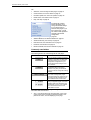
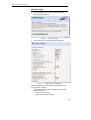
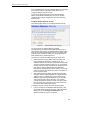
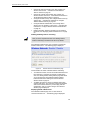
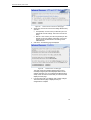
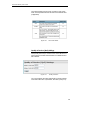
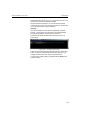
Figure 81:
Internet Access: Confirm page
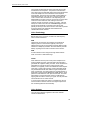
This page confirms your DHCP settings. If you selected the
Manual option at step 4, the VPI and VCI values that you
entered are also displayed on this page.
6. If you are happy with your settings, click Confirm Changes.
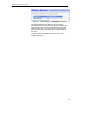
The Internet Access page is displayed and your
configuration is complete.
Configuring your Internet Access manually
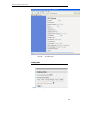
If your ISP tells you to configure your Internet access manually,
they must provide you with the following information:
Note
•
The WAN IP address and subnet mask for your device
•
The Internet Gateway address
•
The primary and secondary DNS addresses
You should only change the Internet Access details if your ISP
asks you to, or if you are familiar with network configuration. In
most cases, you will not need to make any changes to this
configuration.
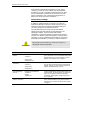
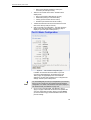
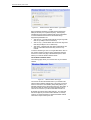
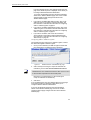
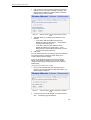
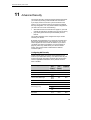
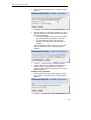
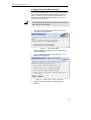
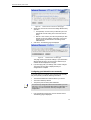
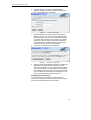
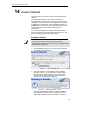
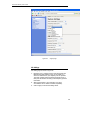
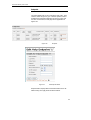
1. From the left-hand Setup menu, click on Internet Access.
The following page is displayed:
71