1
Chapter 3 Using the VMware Management Interface
6
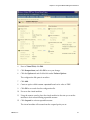
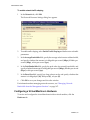
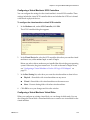
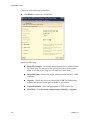
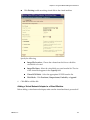
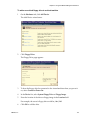
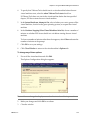
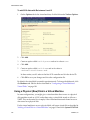
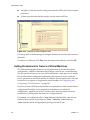
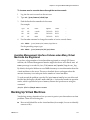
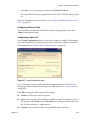
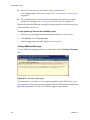
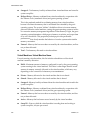
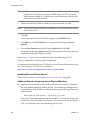
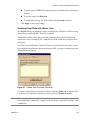
Click OK to add the network adapter.
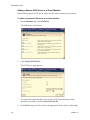
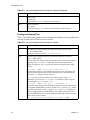
Adding a Virtual DVD/CD-ROM Drive to a Virtual Machine
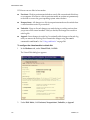
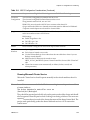
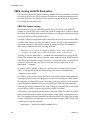
If your server contains a DVD/CD‐ROM drive, you can add a DVD/CD‐ROM drive to the virtual machine. You can point the CD‐ROM drive to an ISO disk image file. You can connect a device to only one virtual machine on a server at a time.
Before adding a virtual DVD/CD‐ROM drive, make sure the virtual machine is powered off.
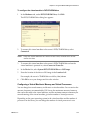
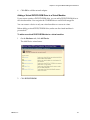
To add a new virtual DVD/CD-ROM drive to a virtual machine
1
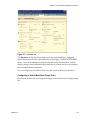
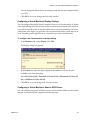
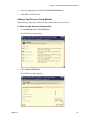
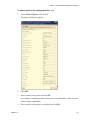
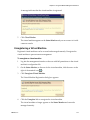
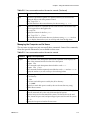
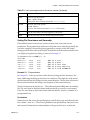
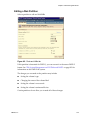
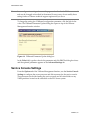
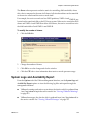
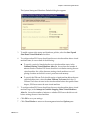
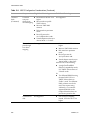
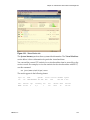
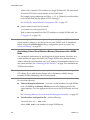
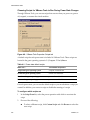
On the Hardware tab, click Add Device. The Add Device wizard starts.
2
VMware, Inc.
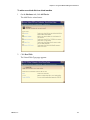
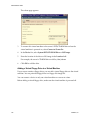
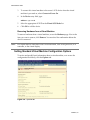
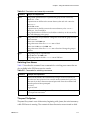
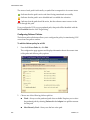
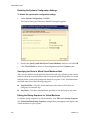
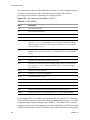
Click DVD/CD‐ROM. 117