1
C
H
A
P
T
E
R
10
Using Assist and Accessing
On-Screen Help
You can have the MessagePad automatically perform certain
tasks for you using Assist. The tasks that can be performed
include sending faxes or electronic mail, dialing telephone
numbers, scheduling, setting the time and date, finding text,
printing, and entering items in your To Do list. You can also
tap Assist to access on-screen help.
You can make requests in several ways:
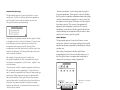
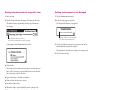
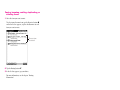
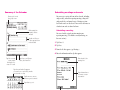
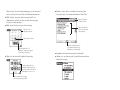
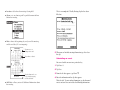
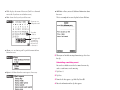
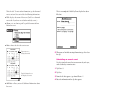
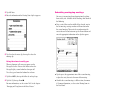
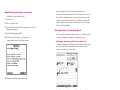
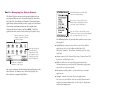
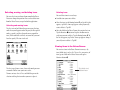
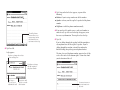
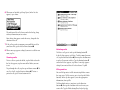
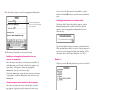
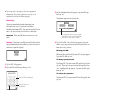
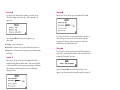
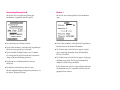
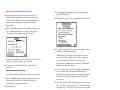
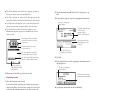
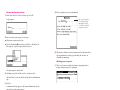
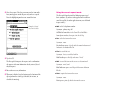
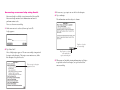
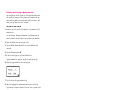
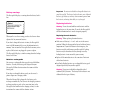
m Tap Assist ® and, in the slip that appears, tap the diamond
u to choose from a list of requests the MessagePad
understands, or write your request on the blank line.
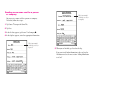
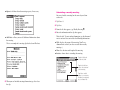
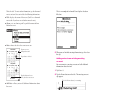
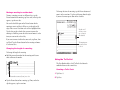
m Write your request and select it (such as a name from a note
in the Notepad, for example), then tap Assist ®.
249