1
MODEL MS1300
3
Reference
USING THE REFERENCE SECTION
This section provides additional information concerning the use of
the MS1300. Items to be discussed include; Help, Information, and
Technical Support.
HELP
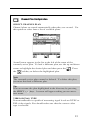
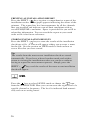
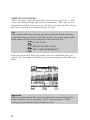
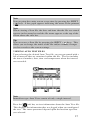
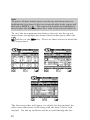
The HELP mode provides on-line user assistance by means of
context-sensitive help screens. During normal operations, soft key
icons appear at the bottom of the display. Each help screen describes the condition of the soft key icons at the time HELP was
pressed.
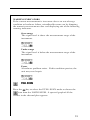
Press the SHIFT +
key to select the HELP mode.
61