1
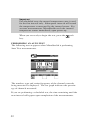
Use the up and down arrows to select the type of file that you want
to view from the main menu and then press the
key.
THE FILE DIRECTORY
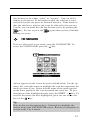
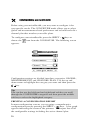
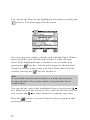
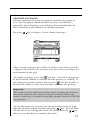
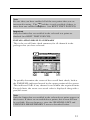
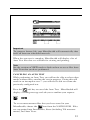
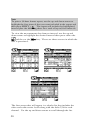
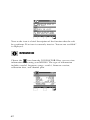
Upon selecting the file category from the VIEW main menu, you
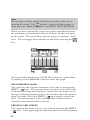
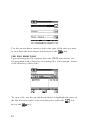
are presented with a directory of existing files. For example, below
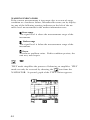
is the directory of Scan files:
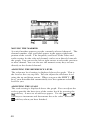
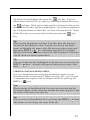
To view a file, use the up and down arrows to highlight the name of
the file that you want to view and then press either the
key or the
54
key.
soft