1
Chapter 5 ______________________________________________________________ Maintenance
CHAPTER 5
MAINTENANCE
This chapter provides information that is needed in basic maintenance of
the product. Possible error states and situations, their probable causes and
remedies are described in this chapter. This chapter also contains contact
information for Vaisala Technical Support and Vaisala Service Centers.
Periodic Maintenance
Cleaning
Clean the transmitter enclosure with a soft, lint-free cloth moistened with
mild detergent.
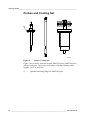
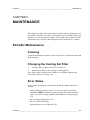
Changing the Cooling Set Filter
1.
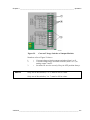
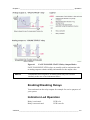
Turn the filter counter-clockwise to remove it.
2.
Install a new filter on the cooling set and tighten it.
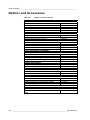
New filters can be ordered from Vaisala, see Available Options and
Accessories Table 41 on page 148.
Error States
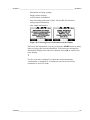
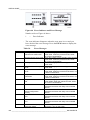
In error state the quantity is not measured and the output is shown as
follows:
- analog channel outputs 0 mA or 0 V (you can use the serial line
command AERR or display/keypad to change this fault indication
value, see section Analog Output Fault Indication Setting on page
111)
- the serial port outputs stars (***)
- the cover LED is blinking
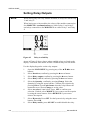
- optional display: error indicator is lit.
VAISALA ______________________________________________________________________ 127