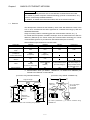
1
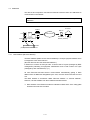
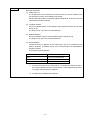
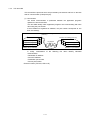
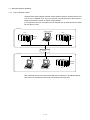
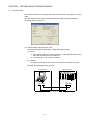
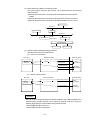
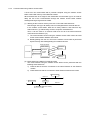
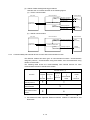
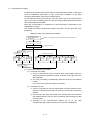
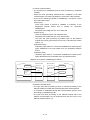
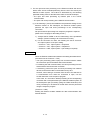
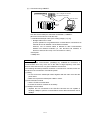
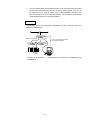
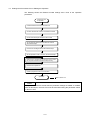
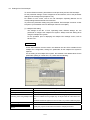
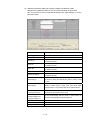
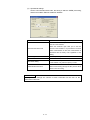
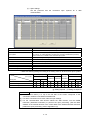
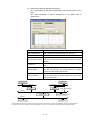
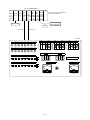
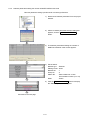
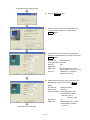
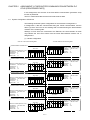
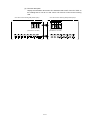
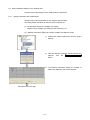
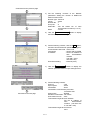
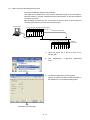
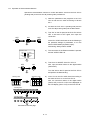
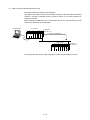
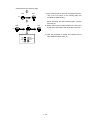
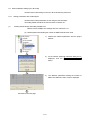
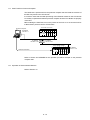
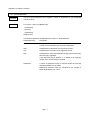
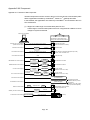
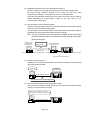
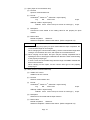
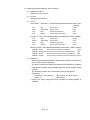
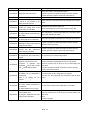
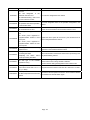
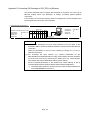
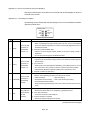
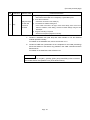
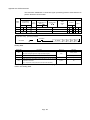
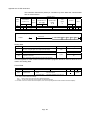
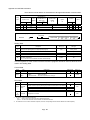
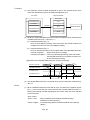
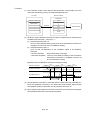
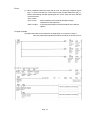
(b) Connection using 10BASE-T
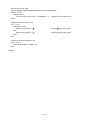
Hub
Twisted pair cable
* Up to 4 stages are allowed
for cascade connection
External device
Ethernet
module
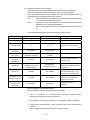
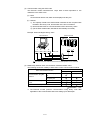
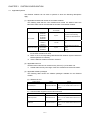
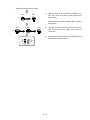
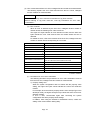
Use devices that satisfy the standards of IEEE802.3, 10BASE-T.
(About the devices shown under the hub)
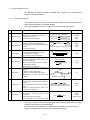
• Unshielded twisted pair cable (UTP cable) (category 3 (4, 5))
* Straight cables can be used.
(Correct operation is not guaranteed if a crossed cable is connected to an
external device via 10BASE-T of the Ethernet module.
However, use of crossed cables is allowed for data communication
between two Ethernet modules (i.e., two QJ71E71-100 modules, or
QJ71E71 and QJ71E71-100) or for connection to a GOT.)
• RJ45 jacks
• 10Mbps hub
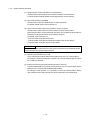
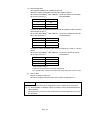
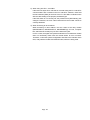
POINT
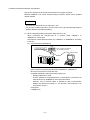
In the high-speed communication (100Mbps) by 100BASE-TX connection, a
communication error may occur due to the effect of high frequency noise from
devices other than the PLC in a given installation environment.
The following describes preventive measures on the QJ71E71-100 side, which can
be taken for the construction of a network system.
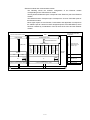
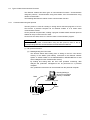
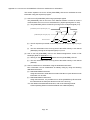
(1) Wiring
• Do not connect the twisted pair cables together with the main circuit and the
power wires.
• Make sure to place the twisted pair cables in a duct.
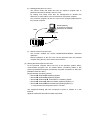
(2) Communication method
• Use the TCP/IP communication.
• Increase the number of retries as necessary.
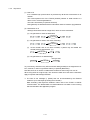
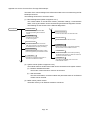
(3) 10Mbps communication
• Replace the hub connected to the QJ71E71-100 with the one capable of
handling 10Mbps to perform communications at the data transmission rate of
10Mbps.
3-3