1
Configuring Your Backup Hardware
Adding a Local
Tape Library
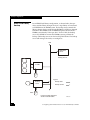
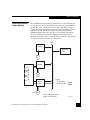
To use a tape library connected directly to an IP4700 SP’s SCSI bus,
you need the following:
•
IP4700 1.1 software
•
an LVD/SE-to-HVD SCSI bus converter if the drive in the library
is differential (HVD)
For more information about the LVD/SE-to-HVD SCSI bus converter,
refer to the IP4700 Quick Start Guide.
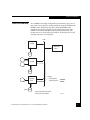
A tape library contains as many SCSI devices as there are tape drives,
as well as the library changer or “robot.” Depending on the library,
you can configure devices on the SCSI buses as appropriate for your
requirements. Usually the robot shares a SCSI bus with drives
because it does not require high bandwidth. Also, usually no more
than two tape drives are on a SCSI bus; otherwise, performance tends
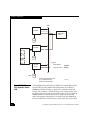
to decrease. For example, the library can have a robot at ID 0 and two
drives at IDs 1 and 2 on the first SCSI bus, and tape drives with IDs 3
and 4 on the second SCSI bus. Also, the first SCSI bus may be
connected to SP A and the second one to SP B.
Verifying Tape Drive
or Library
Connection
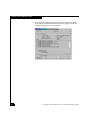
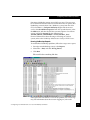
Once you have connected the tape drive, verify that the SP recognizes
it by following these steps:
1. Turn on the IP4700.
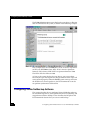
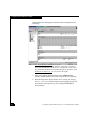
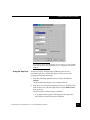
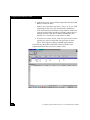
2. In the IP4700 Administration screen, click Tape Drives.
Configuring Your IP4700 Device for Use with Backup Software
15