1
Configuring Veritas NetBackup Software
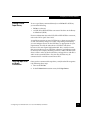
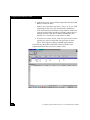
b. Click the drive row again, and then right-click and choose UP
Drive to enable the drive.
Within a few seconds the tape drive’s “busy” or “in use” LED
(depending on the drive type) should flash as NetBackup
reads the first block to determine the tape label. In another few
seconds the drive LEDs should stop flashing, and the Device
Manage columns for the drive’s Ready and Writable state
indicate “Yes,” and the drive state remains as AVD.
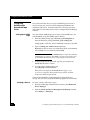
c. If you do not see these results, make sure you have the correct
tape drive; if you have more than one, put tapes in all the
drives. Then diagnose cabling or NDMP login problems.
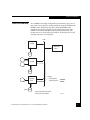
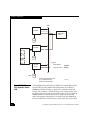
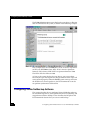
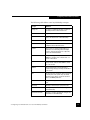
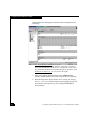
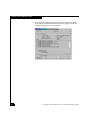
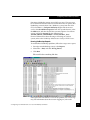
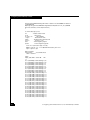
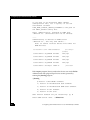
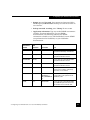
The following sample Device Monitor window indicates some
helpful information that may not be evident at first.
24
Configuring Your IP4700 Device for Use with Backup Software