1
3100 Hand.bk Page 158 Monday, August 19, 2002 8:49 PM
Technician’s Handbook
Replacing faulty components
This section covers replacing the flash card and hard
disk. Refer to the Technical Manual for instructions on
how to replace other components.
Replacing the flash card
Obtain a replacement flash card from Mitel Networks
Corporation.
1. Ensure that you have a flash card backup available.
2. Power down the system. Powering down the system
(p. 117).
3. Attach an anti-static strap.
4. If your system has an expansion unit, disconnect the
up-link cable from the up-link card connector.
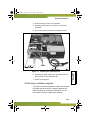
5. Remove the retaining screws and lift the top cover off
the controller.
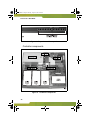
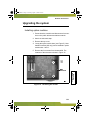
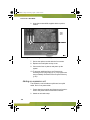
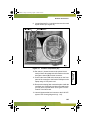
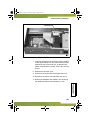
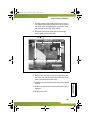
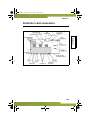
6. Remove the existing compact flash card by carefully
pulling it from its socket on the controller board. The
location of the flash card is shown in the following
illustration.
158