1
3100 Hand.bk Page 59 Monday, August 19, 2002 8:49 PM
Programming
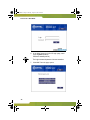
2. Enter the number (digit string) that you want
extension users in the restriction group to be able to
call.
3. Click Save.
Assign class of service (restriction groups) to users
1. Choose Voice from the Selection menu.
2. Click Extensions and then click Class of Service.
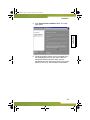
3. Select the extension and then click Change.
5. Click Save.
Program the global exception/restriction strings
Global exception strings and global restriction strings
bypass all other toll restriction settings.
To program global exceptions
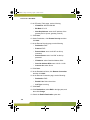
1. Choose Voice from the Selection menu.
2. Click Management, click Toll Restriction, and then
click Global Exception Strings.
3. Click Add.
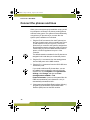
4. Enter the global exception string. For example, you
should program emergency numbers (911 or 999) as
global exception strings to ensure that all extensions
are allowed to call them.
5. Click Save.
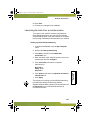
To program global restrictions
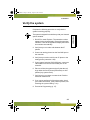
1. Choose Voice from the Selection menu.
2. Click Management, click Toll Restriction, and then
click Global Restriction Strings.
59
Programming
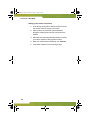
4. Select the Class of Service (Restriction Group
number) that you want to assign to the extension.