1
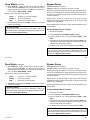
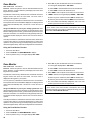
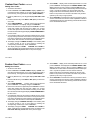
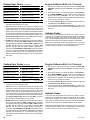
System Setup
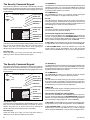
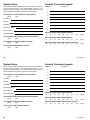
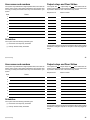
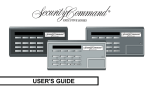
Security Command keypads
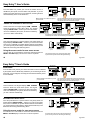
We've provided this System Setup section to allow you to track the
current and future status of the programmable options on your
Security Command system. If you make changes to the system, you
should update the information contained on these pages.
Address
Locations
1
2
Your system is monitored by a central station.
❏ Yes
❏ No
4
C/S Name:
5
Address:
6
City/State:
7
Emergency Phone:
8
Service Phone:
Which keypads display System Status?
Service Manager:
❏1
Your system sends Opening and Closing reports.
❏ Yes
❏ No
Your system sends Zone Bypass reports.
❏ Yes
3
❏ No
❏2
❏3
❏4
❏5
❏6
❏7
❏8
❏ N/A
❏8
❏ N/A
Which keypads display Armed Status?
❏1
❏2
❏3
❏4
❏5
❏6
❏7
Which keypads provide Door Access reports?
❏1
❏2
❏3
❏4
❏5
❏6
❏7
❏8
❏ N/A
Your system sends Ambush reports.
❏ Yes
❏ No
30
System Setup
System Setup
Security Command keypads
We've provided this System Setup section to allow you to track the
current and future status of the programmable options on your
Security Command system. If you make changes to the system, you
should update the information contained on these pages.
Address
Locations
1
2
Your system is monitored by a central station.
❏ Yes
❏ No
4
C/S Name:
5
Address:
6
City/State:
7
Emergency Phone:
8
Service Phone:
Which keypads display System Status?
Service Manager:
❏1
Your system sends Opening and Closing reports.
❏ Yes
❏ No
Your system sends Zone Bypass reports.
❏ Yes
3
❏ No
❏2
❏3
❏4
❏5
❏6
❏7
❏8
❏ N/A
❏8
❏ N/A
Which keypads display Armed Status?
❏1
❏2
❏3
❏4
❏5
❏6
❏7
Which keypads provide Door Access reports?
❏1
❏2
❏3
❏4
❏5
❏6
❏7
❏8
❏ N/A
Your system sends Ambush reports.
❏ Yes
30
❏ No
System Setup