1
MultiMobile SoftGSM User Guide
Settings
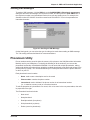
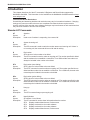
The Settings tab on the SoftGSM SMS & Phonebook management dialog box displays your
Service Center, paths to your Phonebook files, type of outgoing SMS, and Log mode conversation
information.
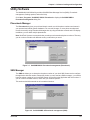
Figure 4-7. SoftGSM Settings Screen
Service Center
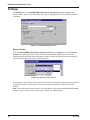
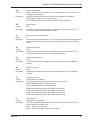
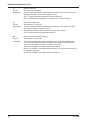
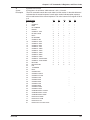
From the SoftGSM SMS & Phonebook management dialog box, Settings tab, click the Service
Center button (to the right of the Service Center and International fields) to see a list of GSM
operators with their Service Centers and phone numbers. Select the Service Center that matches
your GSM subscription (See Figure 4-8 for examples).
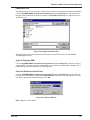
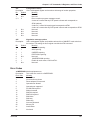
Figure 4-8. Service Center Screen
If your operator is not listed or the number listed is incorrect, select the existing number and replace it
by typing the number of your Service Center as an international number in the Service Center
window.
Note: The number that you have stored in your GSM phone is not used by the MultiMobile SoftGSM
modem. If you are unsure which number to use, contact your GSM operator.
26
MTSGSM