1
RW-480 PLOTCLIENT LPR
RW-480 PLOTCLIENT LPR
With the lpr protocol or command, you can send print jobs to
an RW-480 PLOTBASE via the RW-480 WINPRINT without having to use an application program. It also only requires a few
presets and one command line. This printing option is especially
intended for UNIX users.
Configuration on Server PC with Windows
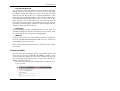
1. Start your Windows computer with RW-480 PLOTBASE as
the administrator.
2. Open "Start – Settings – ControlPanel – Add/Remove Programs – Add/Remove Windows Components" and activate
"Other Network File and Print Services".
3. Install RW-480 WINPRINT if you have not already done so.
After installing RW-480 WINPRINT, check that the printer driver
has been released, or enabled, and check the spool folder as
follows:
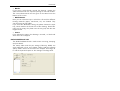
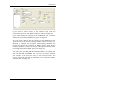
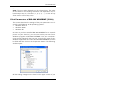
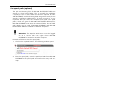
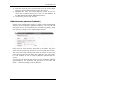
1. Open the printer window via "Start – Settings – Printers".
2. Use the right-hand mouse key to open the properties for
WINPRINT and change to the "Sharing" tab.
3. Ensure that the printer driver is enabled as WINPRINT.
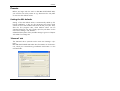
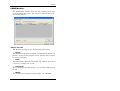
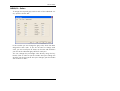
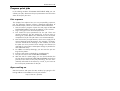
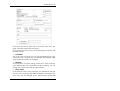
4. Change to the "Ports" tab, click on the WINPRINT line and
open the "Spooler Path" window by clicking on the "Configure Port..." button.
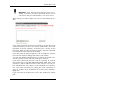
5. Check that the spool folder is set as "C:\Spool\CFG".
Note: If you want to see the full file name of your print
jobs in the RW-480 PLOTBASE jobs list, deactivate the
"Use Short File Names" option.
Print jobs with lpr on Windows
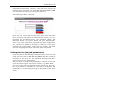
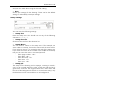
If you have entered all the settings described above, you can
use the lpr command as follows to send print jobs to RW-480
PLOTBASE via the RW-480 WINPRINT:
RW-480 CLIENTS
143