1
Automated Security Manager
Configuration Window
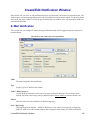
This feature lets you configure Automated Security Manager (ASM) to automatically respond to a variety of
attacks on your network. ASM uses Enterasys Dragon Intrusion Defense System (IDS) to identify threats to
your network security and data integrity. Working with the NetSight database, an intrusion detection product
(such as Dragon Intrusion Defense System), and Policy Manager, ASM can identify a threat, locate its source,
and automatically take action to isolate an offending port and mitigate a threat.
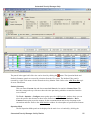
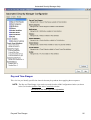
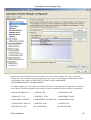
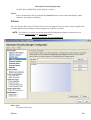
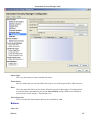
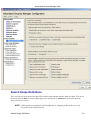
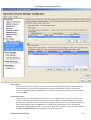
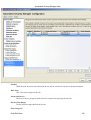
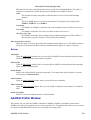
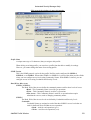
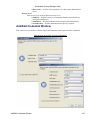
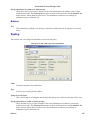
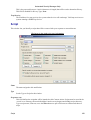
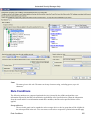
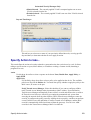
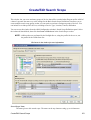
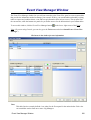
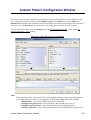
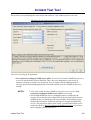
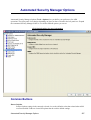
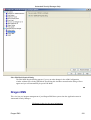
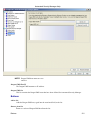
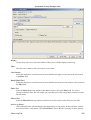
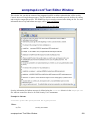
ASM is configured using the ASM Configuration Window. This window takes you step−by−step through
configuring ASM actions and targets. The content of the ASM Configuration Window is dynamically updated
as you set or change/define settings, always presenting the appropriate options based on your selections. As
you move through the steps, the selections that you make along the way determine the selections that are
appropriate for subsequent steps.
Common Features
Mode: View/Edit
Editing the configuration is only possible when the Configuration Window is set to Edit. Edit mode is
only available to users that are members of a group with its Manage Configuration capability
enabled. Refer to Authorization/Device Access − Users and Groups Tab for more information.
Restore Defaults (Variable settings only)
Restores the default settings to the Variables in the ASM Configuration Window.
Continue/Save/Close
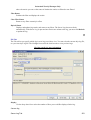
At each step, the Continue button applies your setting and advances to the next configuration step.
You can return to an earlier step by clicking any step in the left panel. At the final step, the Continue
button changes to a Save button. Clicking Save saves the current rule definition. Close dismisses the
ASM Configuration Window.
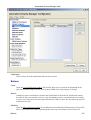
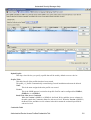
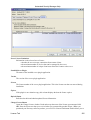
Rule Variables
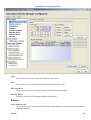
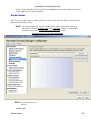
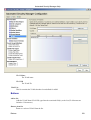
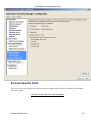
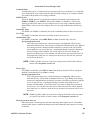
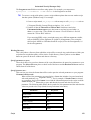
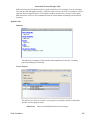
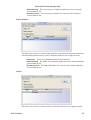
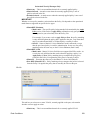
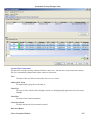
This area lets you define elements that can be matched by rules that determine when specific actions are
applied. The View/Edit buttons above the left panel determine the ability to set or change the configuration in
this window.
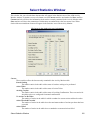
NOTE: The following Rule Variables views can be accessed from the ASM Configuration window or
from the Qualifier Tabs in the Create Rule window.
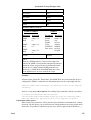
Rule Variables View
Automated Security ManagerConfiguration Window
94