1
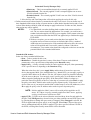
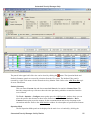
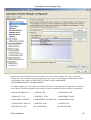
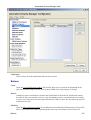
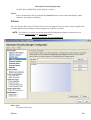
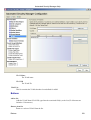
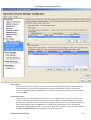
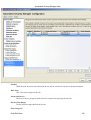
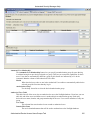
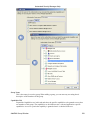
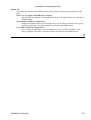
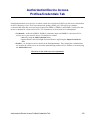
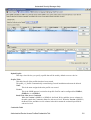
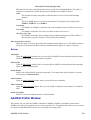
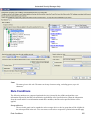
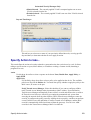
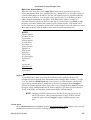
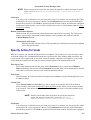
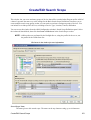
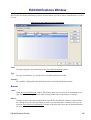
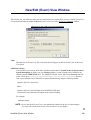
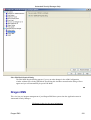
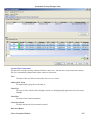
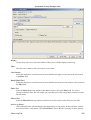
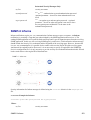
Edit Notifications Window
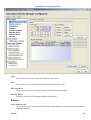
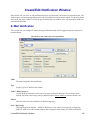
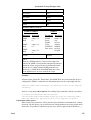
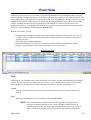
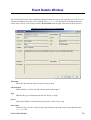
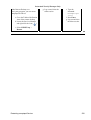
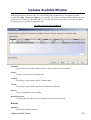
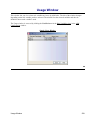
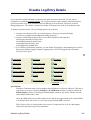
This window lists all the notifications you have created, and lets you edit or remove a notification, or create a
new one.
Click areas in the window for more information.
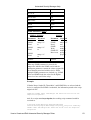
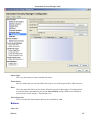
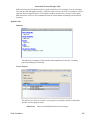
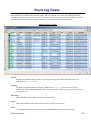
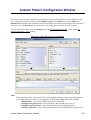
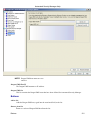
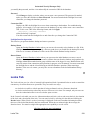
Name
The name assigned to this notification in the Create/Edit Notification window.
Type
The type of notification, as selected in the Create/Edit Notification window.
Summary
The variables configured for this notification in the Create/Edit Notification window.
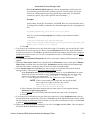
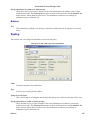
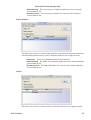
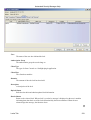
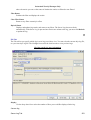
Buttons
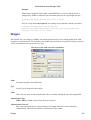
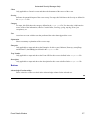
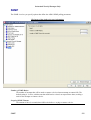
Create
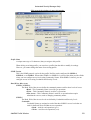
Opens the Create Notification window. This window takes one of several forms, depending on the
type of notification being created (E−Mail, Syslog, SNMP Trap, Script, Dragon, or Group).
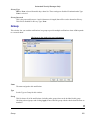
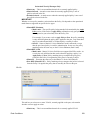
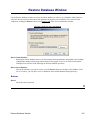
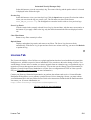
Remove
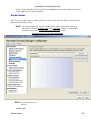
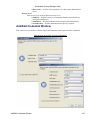
Attempts to remove the selected notifications from the list. Notifications cannot be removed if they
are currently in use by a rule. Attempting to remove a notification that is currently in use by a rule
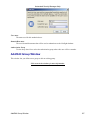
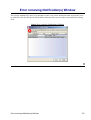
opens the Error removing Notification(s) window to show the rules where the selected notifications
are used.
Edit Notifications Window
168