1
PI Configurator
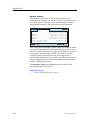
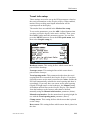
LED Control
This parameter can only be accessed in the Professional mode.
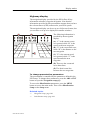
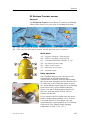
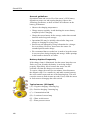
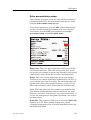
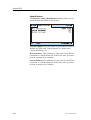
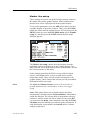
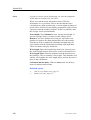
The dialogue box is used to control the behaviour of the
interfaced sensor’s internal LED during normal operation. LED
behaviour in both the charge and communication modes can not
be altered. Sensor LED parameters are:
• Startup Only - The LED will only illuminate (flashing its
identification code) when it is energized. It will not be turned
on during normal operation.
• Only when Pinging - The LED will only illuminate when it
“pings” (transmits data).
• When <2m - The LED will flash every time the sensor
“pings”, but only when it is at a depth of less than two
meters. This parameter is only available for depth sensors.
• Always - If the sensor is disabled from pinging at depths less
than two meters by the Ping Control parameter being set to
Depth > 2m, the Always parameter causes the sensor’s LED
to illuminate at depths of less than two meters even when the
sensor does not “ping”.
Operation
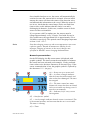
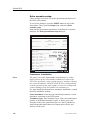
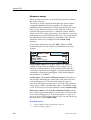
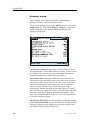
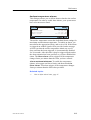
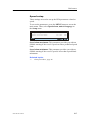
To operate, use the LED Control spin button to select the
desired LED behaviour. Then, click the Configure Sensor
button to program the interfaced sensor with the new parameter.
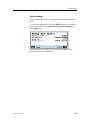
Finally, check that the message field is updated with the new
parameter, and that the message Success!! is displayed at the
bottom as confirmation that the command was executed.
850-165186 / Rev.B
249