1
11.
TRANSFER DIGITAL IMAGES TO COMPUTER
Images can be uploaded to a computer through a computer’s
built-in SD card reader or any external SD memory card reader.
Images can be transferred to a computer using the Converter acting as a
memory card reader by following these steps:
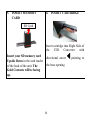
1. Insert memory card into Converter Gold Contacts Facing Up
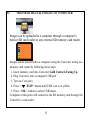
2. Plug Converter into a computer USB port
3. Turn on Converter
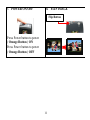
4. Press <
/FLIP> button until USB icon is in yellow
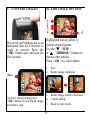
5. Press < OK > button to select USB mode.
Computer at this point will connect to the SD memory card through the
Converter’s card reader
13