1
Simrad SH90
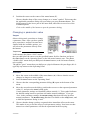
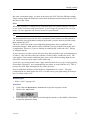
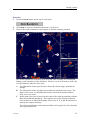
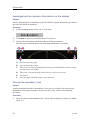
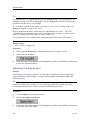
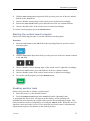
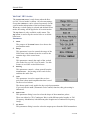
Click the left side of the Store mode button to scroll down the list of options. Click
the middle of the button to open the parameter dialogue for direct access to the
requested setting, or click the right side of the button to scroll up the list of options.
4
Record the images.
5
Click the Close button to close the Store/Recall menu.
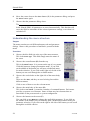
Once the recording has been activated, the sonar will save sonar images as defined
by the Store mode setting. Each image is added to the list of temporary files located
below the buttons. Each file name reflects the date and time.
Record a single image
1
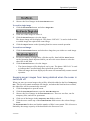
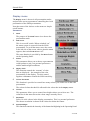
To record a single image:
A
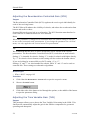
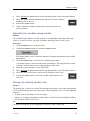
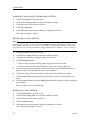
Click the Store button.
or
B
2
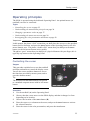
Press the Record button on the Operating Panel.
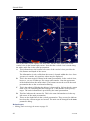
Observe that the message field below the menu displays the image file name on a
green background.
Record multiple images
1
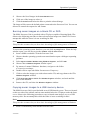
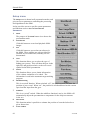
To start recording:
A
Click the Store button.
or
B
Press the Record button on the Operating Panel.
2
Observe that the message field below the menu displays the image file names on a
green background.
3
To stop recording:
A
Click the Store button.
or
B
Press the Record button on the Operating Panel.
Recalling sonar images to view them
Observe the following procedure to recall sonar images.
Preparations
1
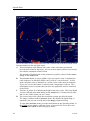
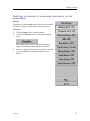
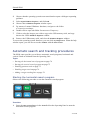
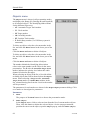
Click the Setup tab to open the menu.
2
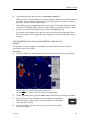
Click the Store/Recall button to open the Store/Recall menu.
70
372739/D