1
158
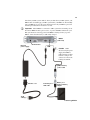
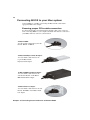
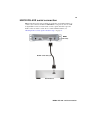
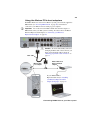
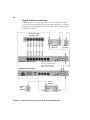
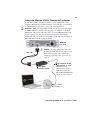
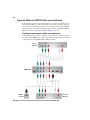
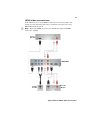
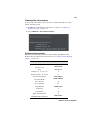
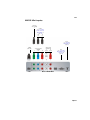
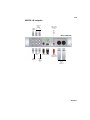
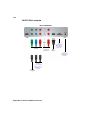
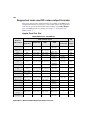
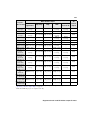
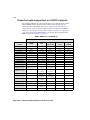
Component video (Y, Pb, Pr) Allows you to output HD or
SD video to an analog component device. Connect component
Y, Pb, Pr video cables to a video monitor, VTR, or other
component device.
¦
Note The component output supports YUV devices
only. When you connect an analog component device to
MXO2 Mini, you won’t be able to connect an S-Video
or composite device at the same time.
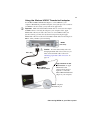
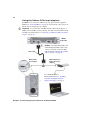
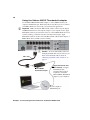
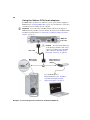
S-Video Output connectors Pb and Pr allow you to connect
the MXO2 S-Video adapter cable for outputting SD video to an
analog S-Video device. Connect an S-Video cable, via the
MXO2 S-Video adapter cable, to a video monitor, VTR, or
other S-Video device. For instructions on how to connect
S-Video devices to MXO2 Mini, see “Connecting S-Video
devices to MXO2 Mini” on page 49.
Composite video (Y) Allows you to output SD video to an
analog NTSC or PAL device. Connect a composite video cable
to a video monitor, VTR, or other NTSC or PAL device.
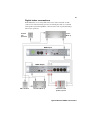
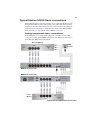
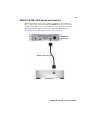
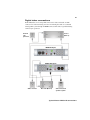
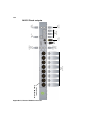
Analog audio (unbalanced) Provide outputs for unbalanced
analog audio channels one and two, or one stereo pair. Connect
RCA cables to a VTR, audio mixer, speakers, or other audio
device.
Appendix B, Matrox MXO2 Connectors