1
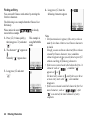
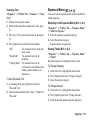
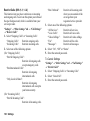
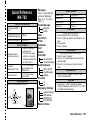
Status Light
You can set the Small Light to flash when you miss any
incoming calls or new messages.
“Settings” → “Profiles” tab
1. Highlight the profile you wish to customise.
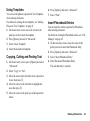
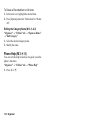
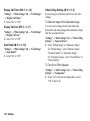
Any Key Answer
You can answer a call by pressing any key except F or
[Busy]. For details, see page 26.
“Settings” → “Profiles” tab
1. Highlight the profile you wish to customise.
2. Press [Options] and select “Personalise”.
3. Select “Status Light”.
4. Select the desired option.
2. Press [Options] and select “Personalise”.
3. Select “Any Key Answer”.
4. Select “On” or “Off”.
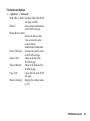
“For Missed Call”:
“For New Message”:
Flashes when an incoming
voice call is missed.
Flashes when a new
message is missed.
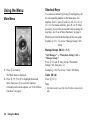
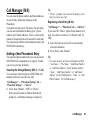
Phone Settings
Setting the Display (M 9-d-1)
You can change the display settings.
Settings 121