1
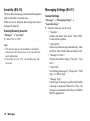
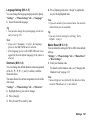
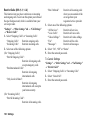
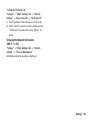
JAVA™ Settings (M 9-d-d-4-2)
“Settings” → “Other Settings” tab → “Internet
Settings” → “JAVA™ Settings” → “Create New”
“Profile Name”:
Profile name for JAVA™
application (Unique name)
“Proxy”:
Proxy setting for JAVA™
application (When “Use
Proxy” is On)
“Access Point”:
Access point for JAVA™
application (When “Use
Proxy” is Off)
“Use Proxy”:
Setting to connect by Proxy
or not
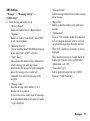
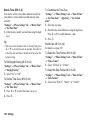
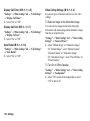
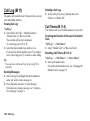
Streaming Settings (M 9-d-d-4-3)
“Settings” → “Other Settings” tab → “Internet
Settings” → “Streaming Settings” → “Create New”
“Profile Name”:
Profile name for streaming
(Unique name)
“Proxy Address”:
Proxy address
“Proxy Port Number”: Port number (1-65535)
“Access Point”:
Access point
136 Settings
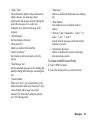
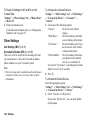
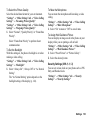
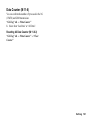
Proxy Settings (M 9-d-d-4-4)
“Settings” → “Other Settings” tab → “Internet
Settings” → “Proxy Settings” → “Create New”
“Proxy Name”:
Proxy name (Unique name)
“Proxy Address”:
IP address
“Access Point”:
Access point
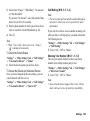
“Home”:
Home page URL
“Port Number”:
Port number (1-65535)
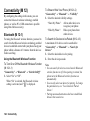
“Authentication Type”: Authentication Type
(“HTTP-BASIC” or
“HTTP-DIGEST”)
“User Name”:
User name for
authentication
“Password”:
Password for authentication