1
Using the Command Line Interface
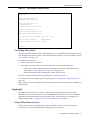
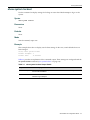
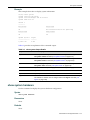
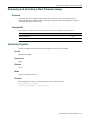
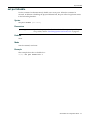
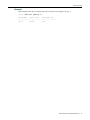
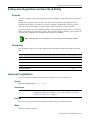
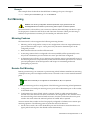
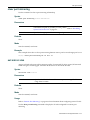
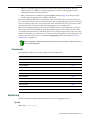
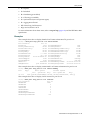
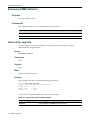
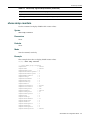
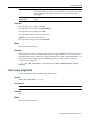
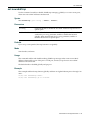
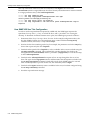
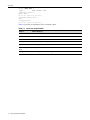
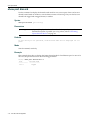
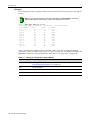
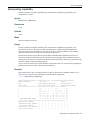
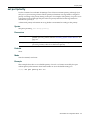
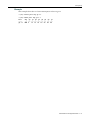
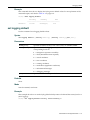
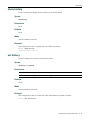
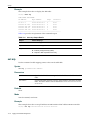
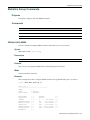
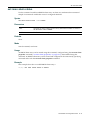
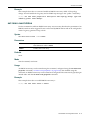
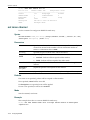
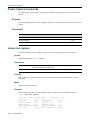
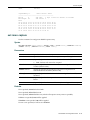
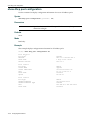
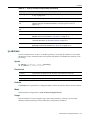
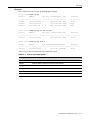
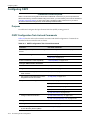
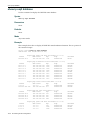
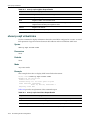
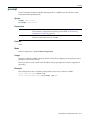
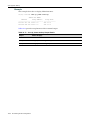
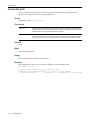
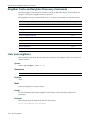
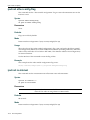
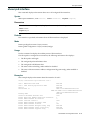
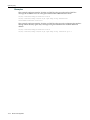
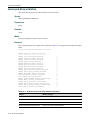
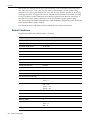
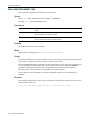
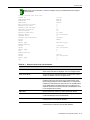
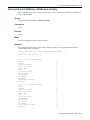
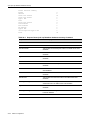
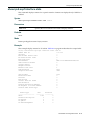
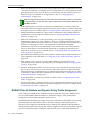
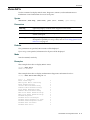
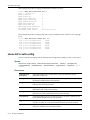
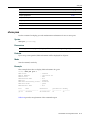
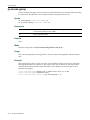
Figure 1-1
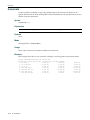
SecureStack C3 Startup Screen
Username:admin
Password:
Enterasys SecureStack C3
Command Line Interface
Enterasys Networks, Inc.
50 Minuteman Rd.
Andover, MA 01810-1008 U.S.A.
Phone: +1 978 684 1000
E-mail: [email protected]
WWW: http://www.enterasys.com
(c) Copyright Enterasys Networks, Inc. 2006
Chassis Serial Number:
Chassis Firmware Revision:
041800249041
1.00.xx
C3(su)->
Connecting Using Telnet
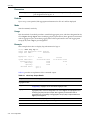
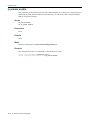
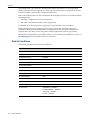
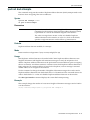
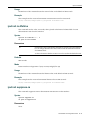
Once the SecureStack C3 device has a valid IP address, you can establish a Telnet session from any TCP/IP based node on the network. For information about setting the switch’s IP address, refer to “set ip address” on page 3‐10.
To establish a Telnet session:
1.
Telnet to the switch’s IP address. 2.
Enter login (user name) and password information in one of the following ways:
–
If the switch’s default login and password settings have not been changed, follow the steps listed in “Using a Default User Account” on page 1‐7, or
–
Enter an administratively‐configured user name and password.
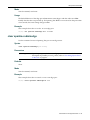
The notice of authorization and the prompt displays as shown in Figure 1‐1.
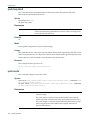
For information about configuring Telnet settings, refer to “Starting and Configuring Telnet” on page 3‐43.
Refer to the instructions included with the Telnet application for information about establishing a Telnet session.
Logging In
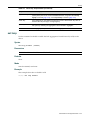
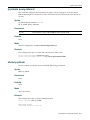
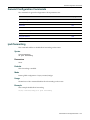
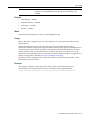
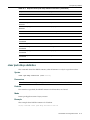
By default, the SecureStack C3 switch is configured with three user login accounts—ro for Read‐Only access, rw for Read‐Write access, and admin for super‐user access to all modifiable parameters. The default password is set to a blank string. For information on changing these default settings, refer to “Setting User Accounts and Passwords” on page 3‐2.
Using a Default User Account
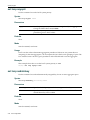
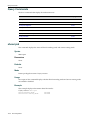
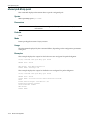
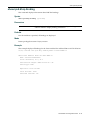
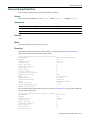
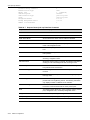
If this is the first time you are logging in to the SecureStack C3 switch, or if the default user accounts have not been administratively changed, proceed as follows:
SecureStack C3 Configuration Guide
1-7