1
Open DVD title folder
Open DVD title folder
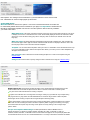
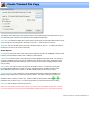
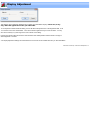
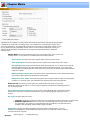
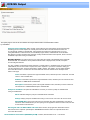
To open a DVD title either from a DVD or from a VIDEO_TS folder copied to your hard drive, click on the menu
File > Open Title from a DVD. A standard folder broswer window will be displayed. You can either point to a
specific VIDEO_TS folder or the parent folder.
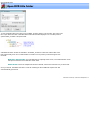
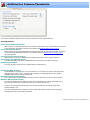
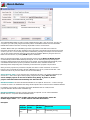
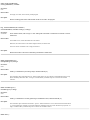
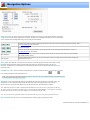
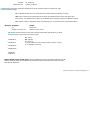
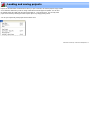
VideoReDo will search the IFO and VOB files in the VIDEO_TS folder to create a list of all the titles on the
DVD. Unfortuneatly, there are no actual text titles on a DVD so we can present you with the length of each
found title.
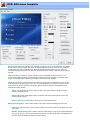
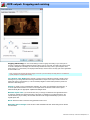
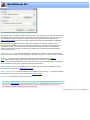
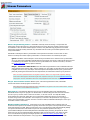
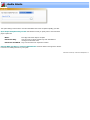
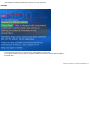
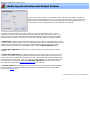
Hide titles without audio: Very often DVD menus, espeically motion menus, can look like full titles. Check
this option to hide these menus that don't contain audio.
Audio Stream: If there are multiple audio streams in this title, use this list to select the one you want to edit.
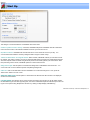
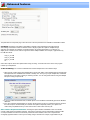
Once you click OK, VideoReDo will create a .VLST file containing the list of VOBs that comprise each title
and automatically open the file.
VideoReDo TVSuite Help - © 2003-2007 DRDSystems, Inc.