1
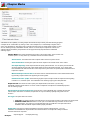
Loading and saving projects
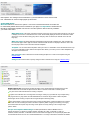
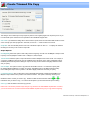
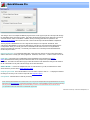
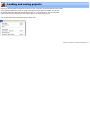
Projects are the internal list of edit selections. When you open a video file, the internal project is empty as there
are no selections. Each time you add or change a selection the internal project is updated. You can save
the internal project file to disk using the "Save Project File As..." from the file menu. The currently active
project can be saved by selecting the "Save Project" option or by simply pressing Ctrl+P.
You can open a previously saved project from the same menu.
VideoReDo TVSuite Help - © 2003-2007 DRDSystems, Inc.