1
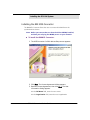
Installing the 6510 UM with UM TSE IMAP Gateway
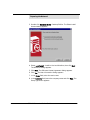
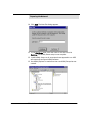
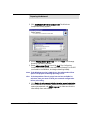
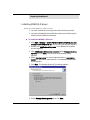
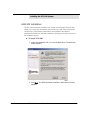
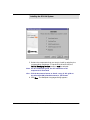
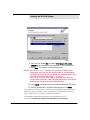
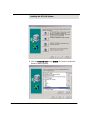
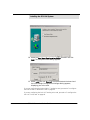
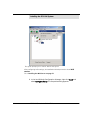
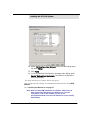
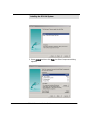
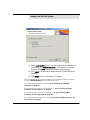
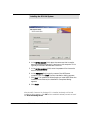
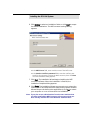
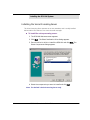
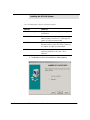
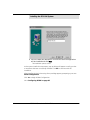
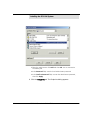
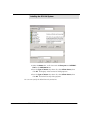
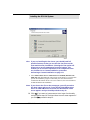
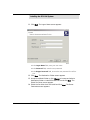
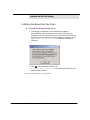
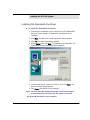
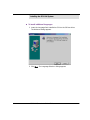
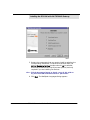
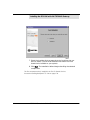
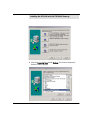
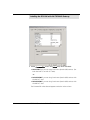
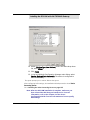
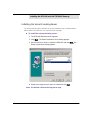
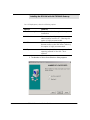
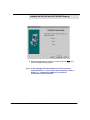
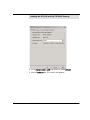
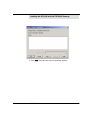
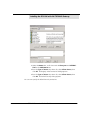
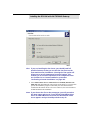
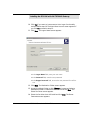
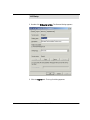
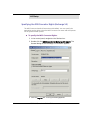
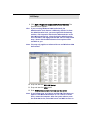
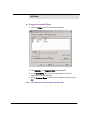
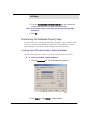
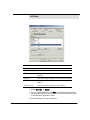
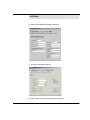
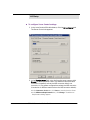
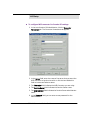
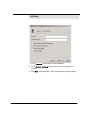
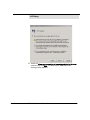
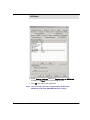
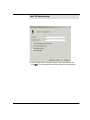
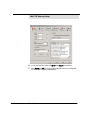
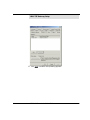
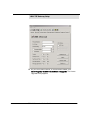
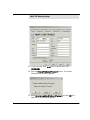
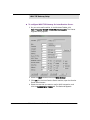
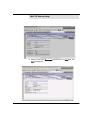
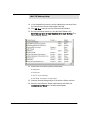
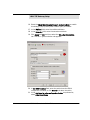
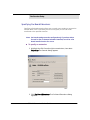
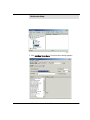
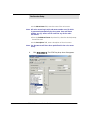
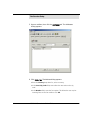
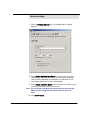
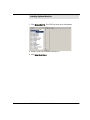
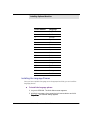
7. Select the checkbox that corresponds to the fax driver that you
want to install. (The fax driver selected must match the voice
board that is installed on your system).
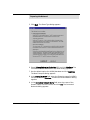
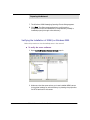
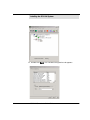
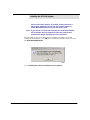
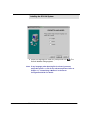
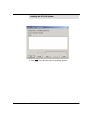
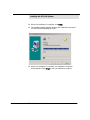
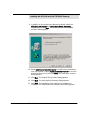
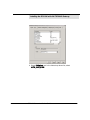
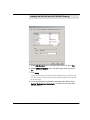
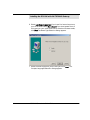
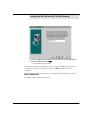
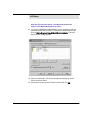
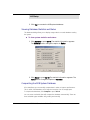
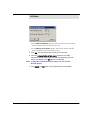
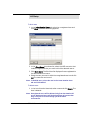
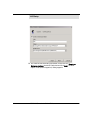
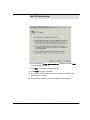
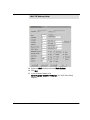
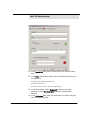
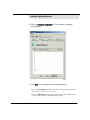
8. Click Next. The Installation Wizard begins installing the selected
components.
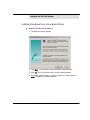
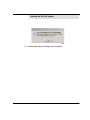
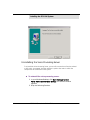
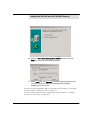
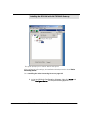
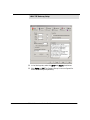
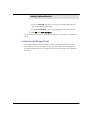
The first component that is installed is the Text To Speech Services.
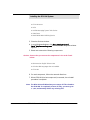
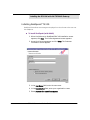
Proceed to Installing RealSpeak TTS 3.00 on page 144.
6510 UM Server Installation Guide
143