1
IMAP TSE Gateway Setup
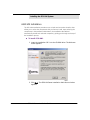
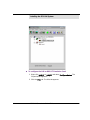
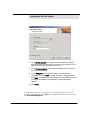
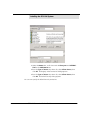
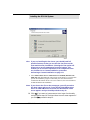
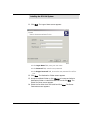
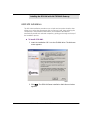
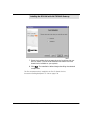
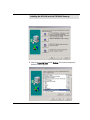
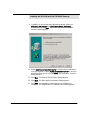
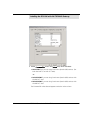
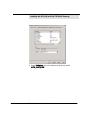
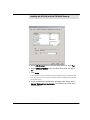
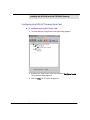
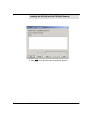
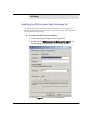
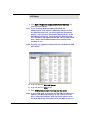
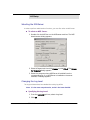
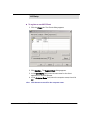
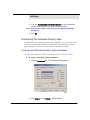
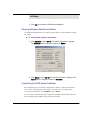
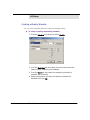
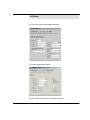
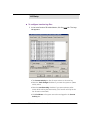
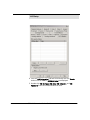
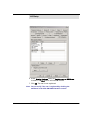
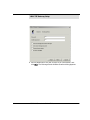
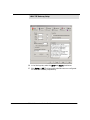
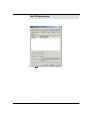
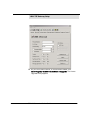
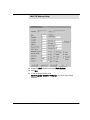
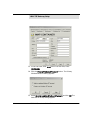
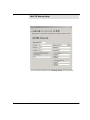
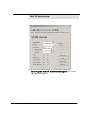
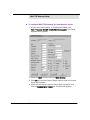
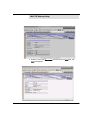
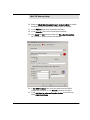
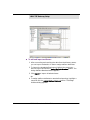
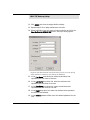
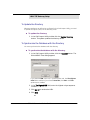
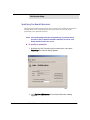
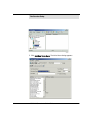
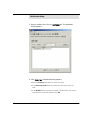
To check imported and saved mailboxes:
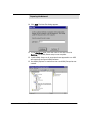
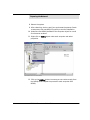
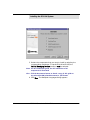
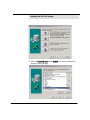
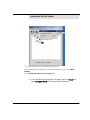
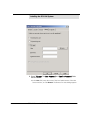
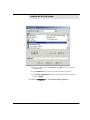
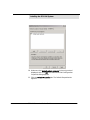
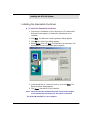
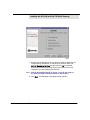
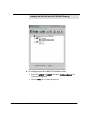
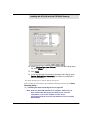
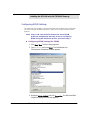
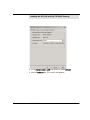
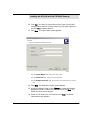
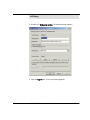
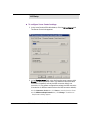
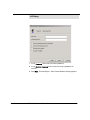
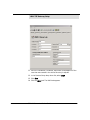
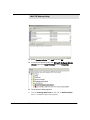
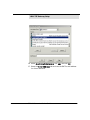
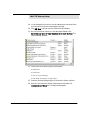
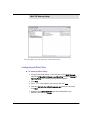
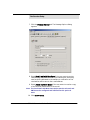
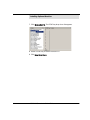
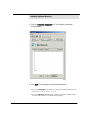
1. To check the imported and saved mailboxes, go to the LDAP
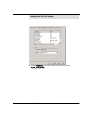
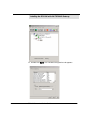
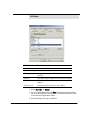
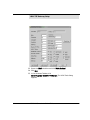
Importer toolbar and click the Mailboxes button. The Mailboxes
dialog appears, displaying all the assigned mailboxes and attributes.
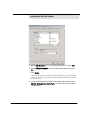
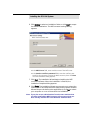
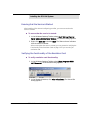
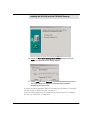
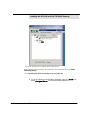
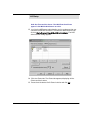
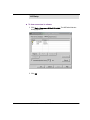
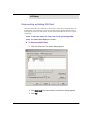
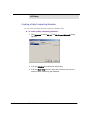
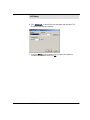
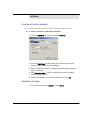
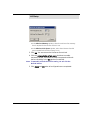
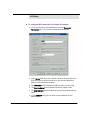
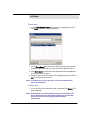
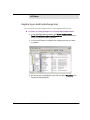
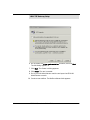
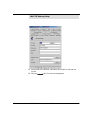
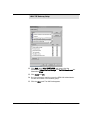
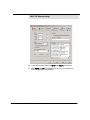
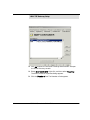
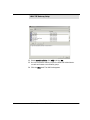
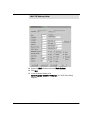
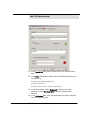
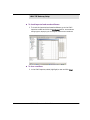
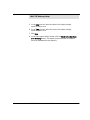
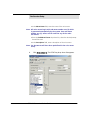
To clear a mailbox:
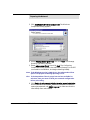
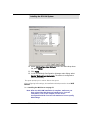
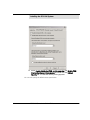
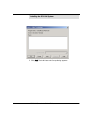
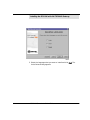
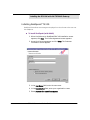
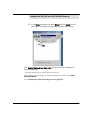
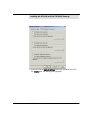
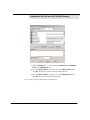
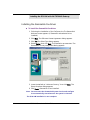
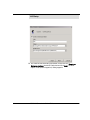
1. In the LDAP importer, select (highlight) a user and click Clear.
6510 UM Server Installation Guide
331