1
MSS Setup
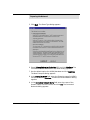
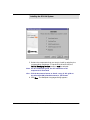
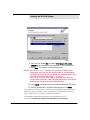
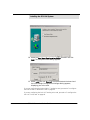
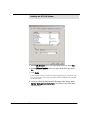
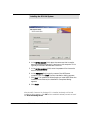
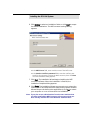
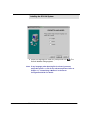
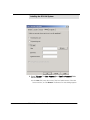
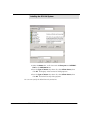
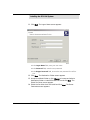
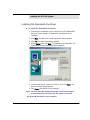
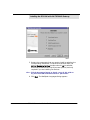
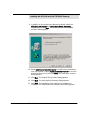
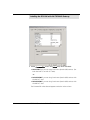
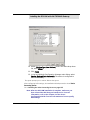
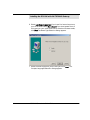
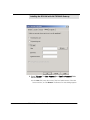
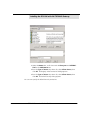
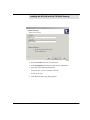
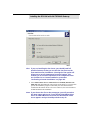
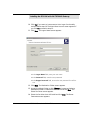
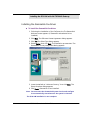
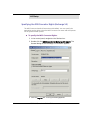
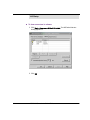
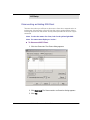
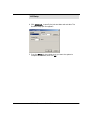
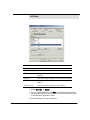
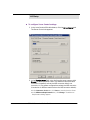
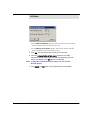
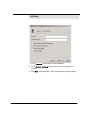
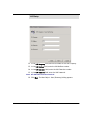
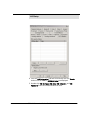
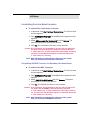
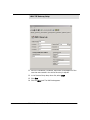
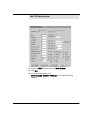
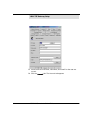
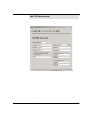
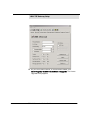
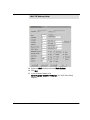
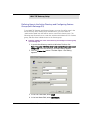
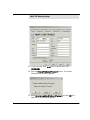
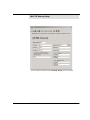
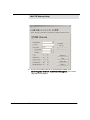
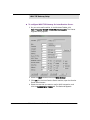
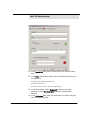
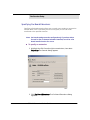
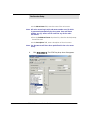
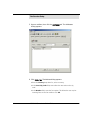
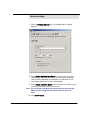
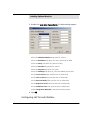
12. In the VM Company field, enter the number for the VM Company.
13. In the VM Mailbox field, enter the VM Mailbox number.
14. In the VM Extension field, enter the VM Extension number.
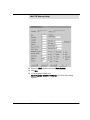
15. In the VM Password field, enter the VM Password.
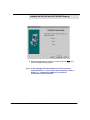
Note: All VM values must be numerical.
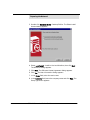
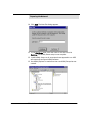
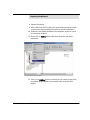
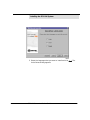
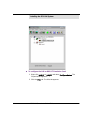
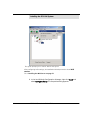
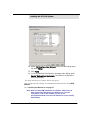
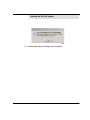
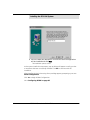
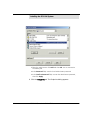
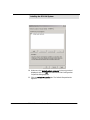
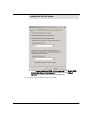
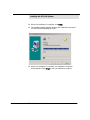
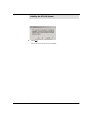
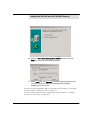
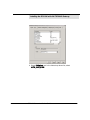
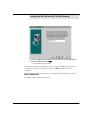
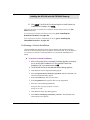
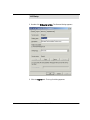
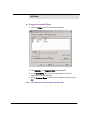
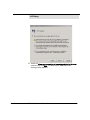
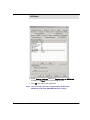
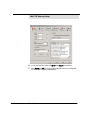
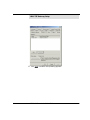
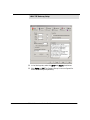
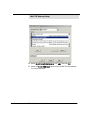
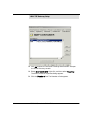
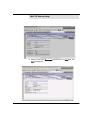
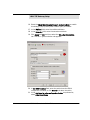
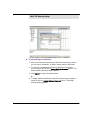
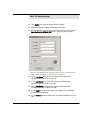
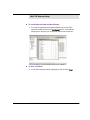
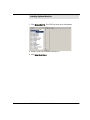
16. Click Next. The New Object - User (Summary) dialog appears.
6510 UM Server Installation Guide
261