1
Notice
If the registration operation is performed with full-size characters for the item (POP server,
SMTP server, etc.) where the use of 2 byte code characters is prohibited on the recorder side,
abnormality may occur in the subsequent related operation. If such an abnormality takes place,
you can rectify the recorder conditions by registering half-size characters corresponding to the
maximum number of characters.
4.5.
Recorder Control panel
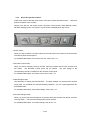
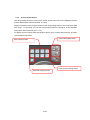
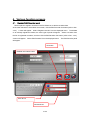
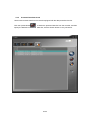
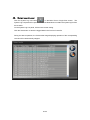
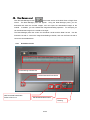
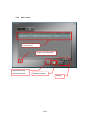
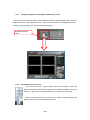
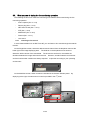
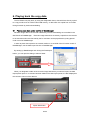
Use the Recorder Control panel to operate the recorders via the network.
Click the Recorder Control button
at the lower section of the Main View or Single
View screen. The Recorder Control panel will appear.
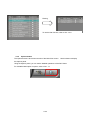
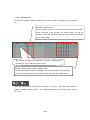
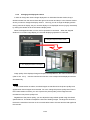
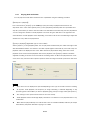
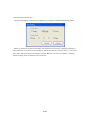
Most of the operation results will be indicated by the lamps, Not all the functions on this panel
work in the same way as those by the buttons of the recorder. Before using the functions on
this panel, check their operations with the status indicators on the recorder controlled. In
addition, when the recorder status changes independently of this panel, the recorder status
indicated by the indicators doesn’t match with the actual recorder status unless you update the
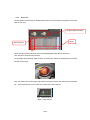
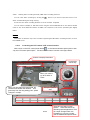
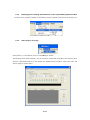
recorder data manually. To load the latest recorder data manually, click the Refresh button
at the lower left of the panel. When the recorder is operated via the network, indications by the
indicators of this software, including indication of the display mode such as sequential display,
may be inconsistent with the actual indications by those of the recorder. Therefore, check the
operation status of the recorder not only by the indicators of this software but by the recorder
itself.
44/94