1
PROSTAR DCS COMPACT
TECHNICAL MANUAL
PROGRAMMING
PART 2 NOVEMBER 1997
Table of
Contents
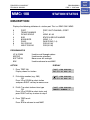
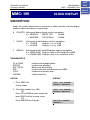
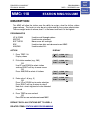
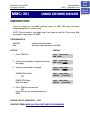
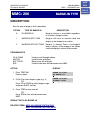
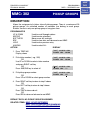
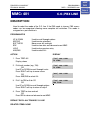
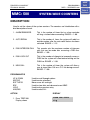
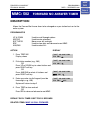
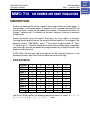
MMC: 507
ACTION
HOME
PAGE
DISPLAY
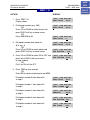
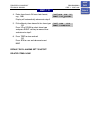
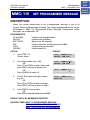
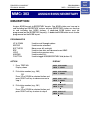
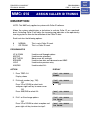
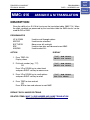
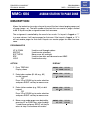
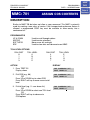
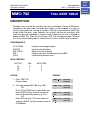
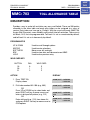
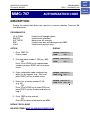
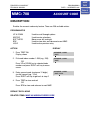
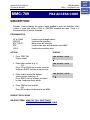
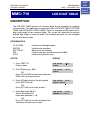
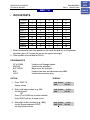
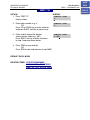
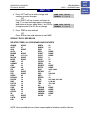
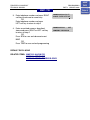
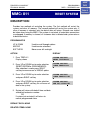
1. Press TRSF 507
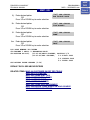
Display shows
NIGHT TIME (SUN)
ST:0000 END:0000
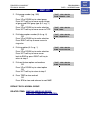
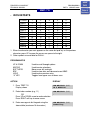
2. Dial day number (0–6, e.g., 3)
OR
Press UP or DOWN key to select day
Press RIGHT soft key to advance cursor to
step 3
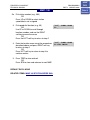
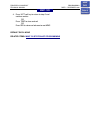
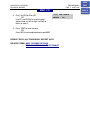
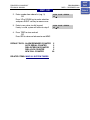
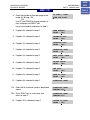
NIGHT TIME (WED)
ST:0000 END:0000
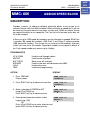
3. Dial start time for night, e.g., 1730
If valid, cursor moves to end time
Enter end time
If valid, system returns to step 2
Begin again
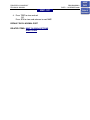
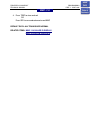
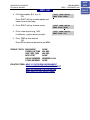
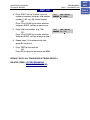
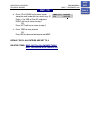
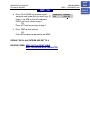
4. Press TRSF to store and exit
OR
Press SPK to store and advance to next MMC
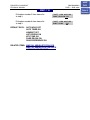
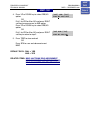
NIGHT TIME (WED)
ST:1730 END:0800
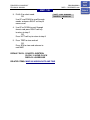
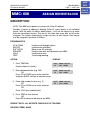
DEFAULT DATA: START 0000
END 0000
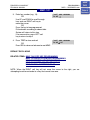
RELATED ITEMS: MMC 722 STATION KEY PROGRAMMING
MMC 723 SYSTEM KEY PROGRAMMING