1
PROSTAR DCS COMPACT
TECHNICAL MANUAL
PROGRAMMING
PART 2 DECEMBER 1994
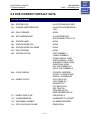
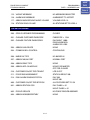
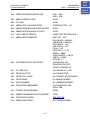
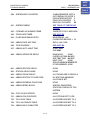
Table of
Contents
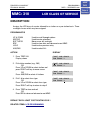
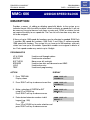
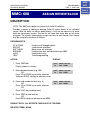
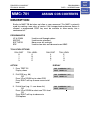
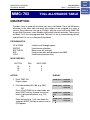
MMC: 307
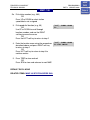
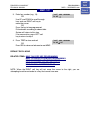
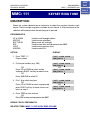
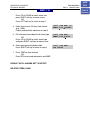
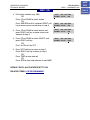
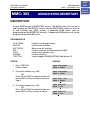
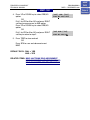
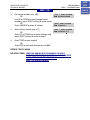
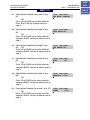
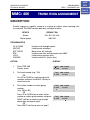
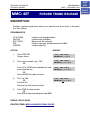
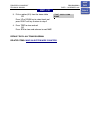
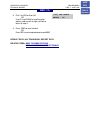
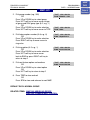
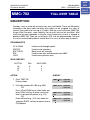
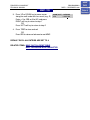
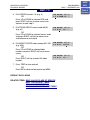
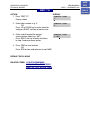
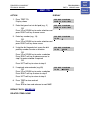
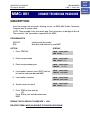
4. Dial 1 for YES or 0 for NO
OR
Press UP or DOWN key to select YES/NO
option
Press RIGHT soft key to return to step 2
HOME
PAGE
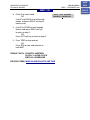
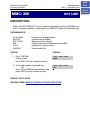
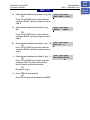
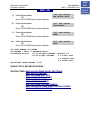
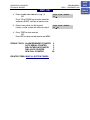
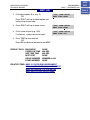
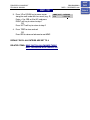
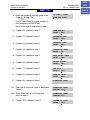
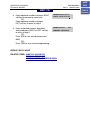
[205] OFFHK SEL.
CURENTLY SET:YES
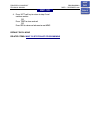
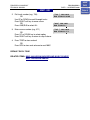
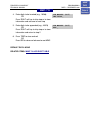
5. Press TRSF to store and exit
OR
Press SPK to store and advance to next MMC
DEFAULT DATA: CURRENTLY SET = NO
RELATED ITEMS: MMC 501 SYSTEM TIMERS, OFF-HOOK SELECTION TIMER