1
PROSTAR DCS COMPACT
TECHNICAL MANUAL
PROGRAMMING
PART 2 DECEMBER 1994
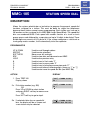
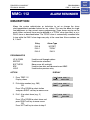
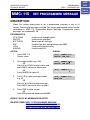
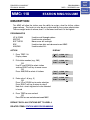
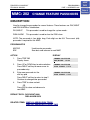
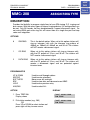
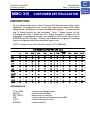
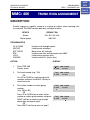
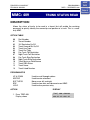
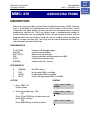
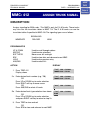
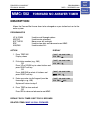
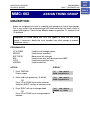
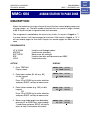
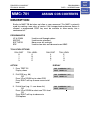
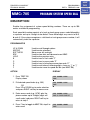
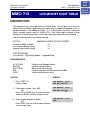
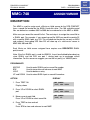
MMC: 117 ASSIGN BACKGROUND MUSIC VOLUME
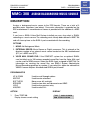
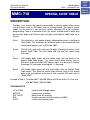
DESCRIPTION:
Allows station users the ability to assign volume levels for their individual
background music. This MMC will not change the level for the speakerphone.
Background music will return to the level set by the user when the call is completed.
This level can also be set system-wide by the system administrator.
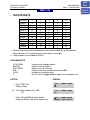
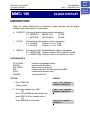
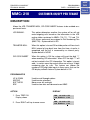
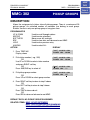
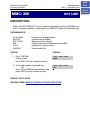
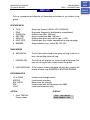
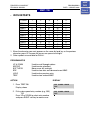
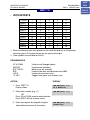
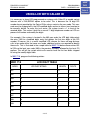
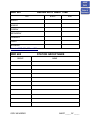
PROGRAM KEYS
UP & DOWN
KEYPAD
SOFT KEYS
SPK
HOLD
ANS/RLS
Used to scroll through options
Used to enter selections
Move cursor left and right
Used to store data and advance to next MMC
Used to clear previous entry
Used to select ALL
ACTION
DISPLAY
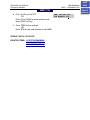
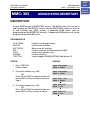
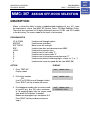
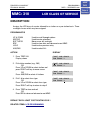
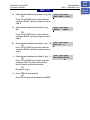
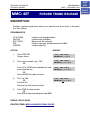
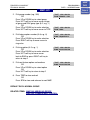
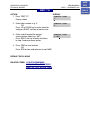
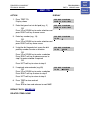
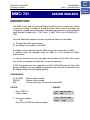
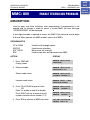
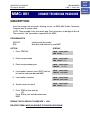
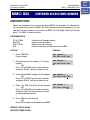
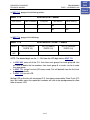
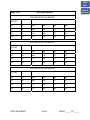
1. Press TRSF 117
Display shows
[201] BGM VOLUME
VOLUME 13
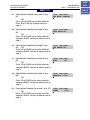
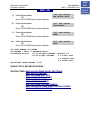
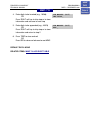
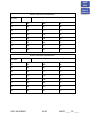
2. Enter desired station number (e.g., 205)
OR
Press UP or DOWN key to make selection
and press RIGHT soft key
OR
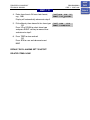
Press ANS/RLS key to select all stations
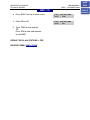
[ALL] BGM VOLUME
VOLUME ??
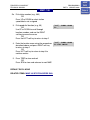
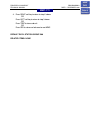
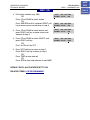
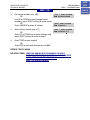
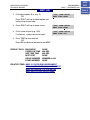
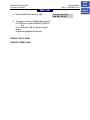
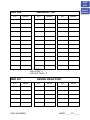
3. Enter valid volume level (1–16) and press
RIGHT soft key to return to step 2
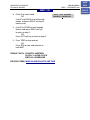
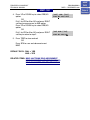
[ALL] BGM VOLUME
VOLUME 06
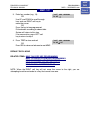
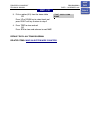
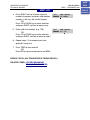
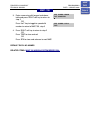
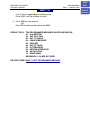
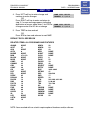
4. Press TRSF to store and exit
OR
Press SPK to store and advance to next MMC
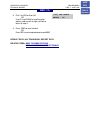
DEFAULT DATA: VOLUME LEVEL 13
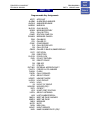
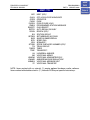
RELATED ITEMS: SEE WARNING FOR CONNECTION TO RADIO OR MUSIC
SOURCE
HOME
PAGE
Table of
Contents