1
PROSTAR DCS COMPACT
TECHNICAL MANUAL
PROGRAMMING
PART 2 NOVEMBER 1997
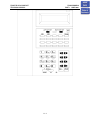
STAND-ALONE ADD-ON MODULE
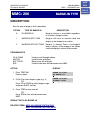
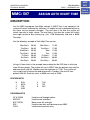
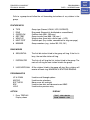
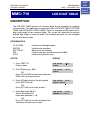
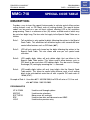
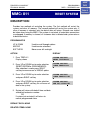
To make an add-on module operate as a stand-alone unit, perform the following steps
in the order in which they are listed.
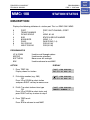
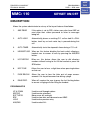
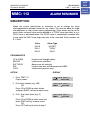
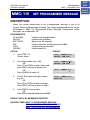
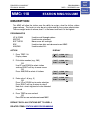
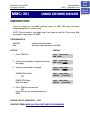
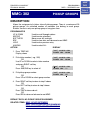
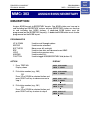
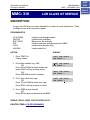
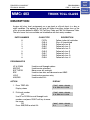
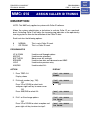
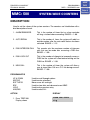
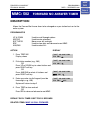
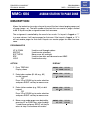
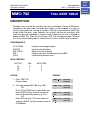
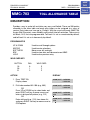
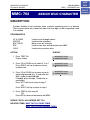
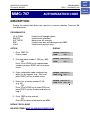
MMC 103
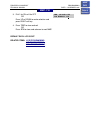
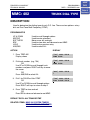
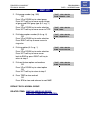
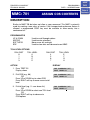
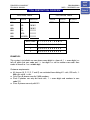
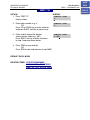
With the technician or customer passcode, assign the answer mode as
Voice Announce, Auto Answer or Ring.
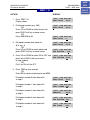
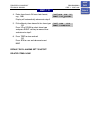
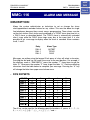
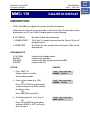
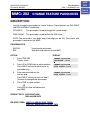
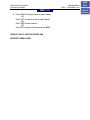
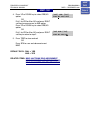
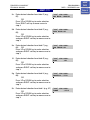
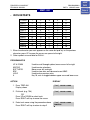
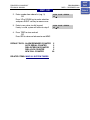
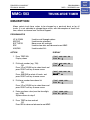
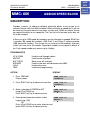
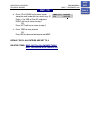
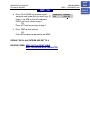
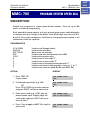
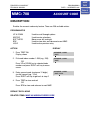
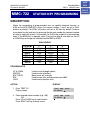
MMC 105
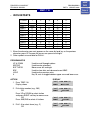
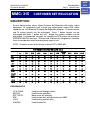
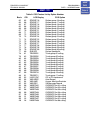
Assign speed dial numbers for that AOM.
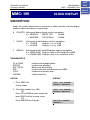
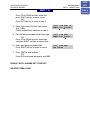
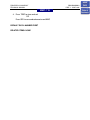
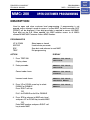
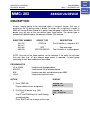
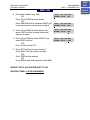
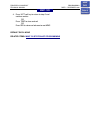
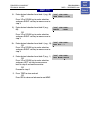
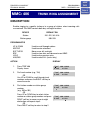
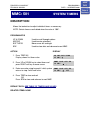
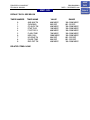
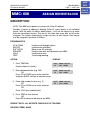
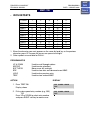
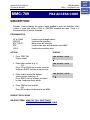
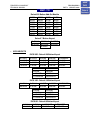
MMC 606
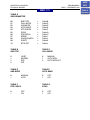
Advance to the extension number of the AOM you want to use as standalone. Assign blocks of speed dial numbers to this AOM.
NOTES:
1. Transferred calls cannot be camped-on to a busy AOM. If a station attempts this,
the transferred call will ring back to the station immediately.
2. Busy station camp-on will not work when calling a busy AOM.
2.3.5
HOME
PAGE
Table of
Contents