1
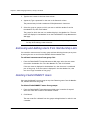
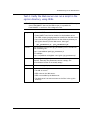
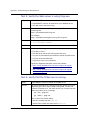
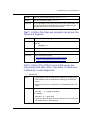
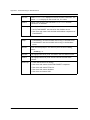
Administering the JOBS File
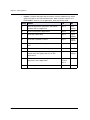
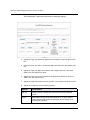
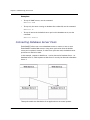
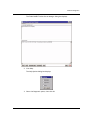
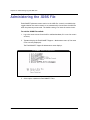
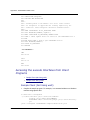
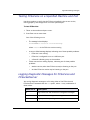
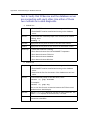
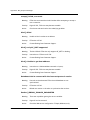
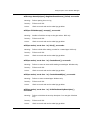
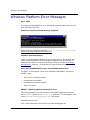
The FlashCONNECT File Maintenance Menu displays.
4. Select option 6 (Maintain JOBS file).
NOTE— Option 6 (Maintain JOBS file) is not available from the corresponding
FlashCONNECT File Maintenance Menu Web page.
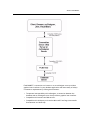
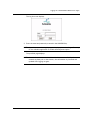
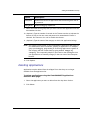
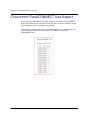
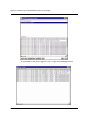
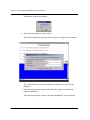
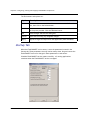
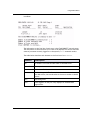
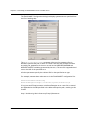
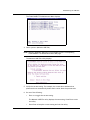
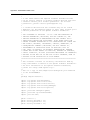
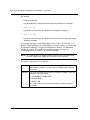
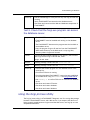
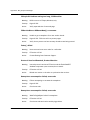
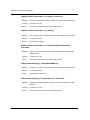
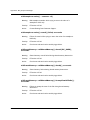
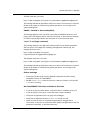
The Maintain JOBS File utility displays.
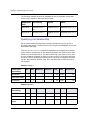
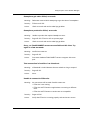
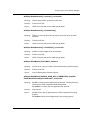
5. Verify the current setting. For example, the screen above indicates that
phantoms do not automatically delete their entries when the process ends.
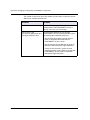
6. Do one of the following:
•
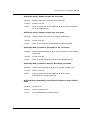
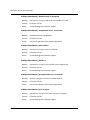
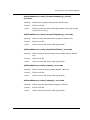
Enter 1 to toggle the current setting.
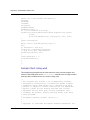
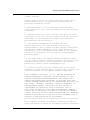
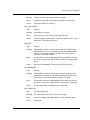
The Maintain JOBS File utility displays the new setting. Press Enter to exit
the utility.
•
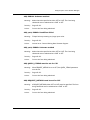
Press Enter to keep the current setting and exit the utility.
FlashCONNECT Administrator’s Guide
113