1
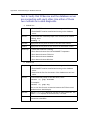
Adding FlashCONNECT Groups
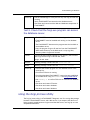
Deleting FlashCONNECT Groups
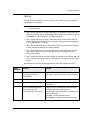
Deleting groups permanently removes the group and its members from accessing any
applications.
To delete groups:
•
From the FlashCONNECT Group Maintenance Web page, select the check box of
the group you want to delete, then click Submit.
Adding Users to Groups
Every user name in the w3Users file is in either the Members or Non-Members list
box. However, you can manually add or delete users from the FlashCONNECT User
Maintenance Web page or by editing the w3Users file.
NOTE— If the users are already available in the Members and Non-Members list, you
may add users from the FlashCONNECT Group Maintenance Web page.
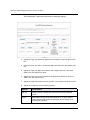
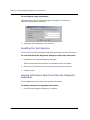
To add FlashCONNECT users to groups:
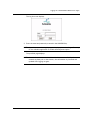
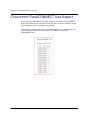
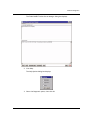
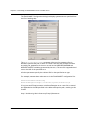
1. Click Users from the File Maintenance menu.
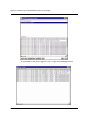
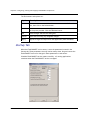
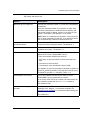
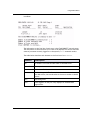
The FlashCONNECT User Maintenance Web page displays.
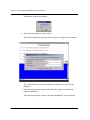
2. Type a unique ID for the new user in the User ID column.
FlashCONNECT Administrator’s Guide
33