1
PC-Duo Master Guide
Menu options
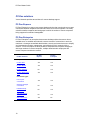
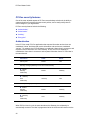
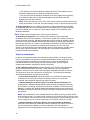
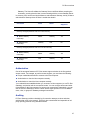
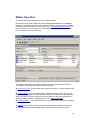
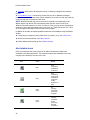
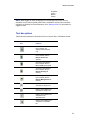
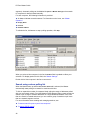
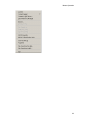
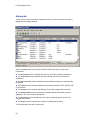
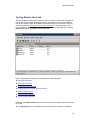
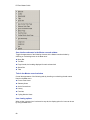
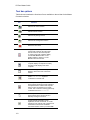
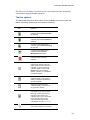
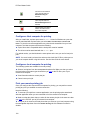
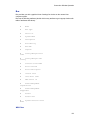
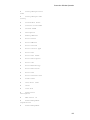
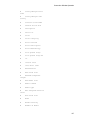
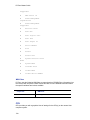
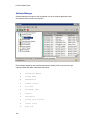
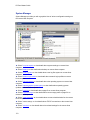
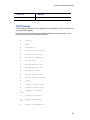
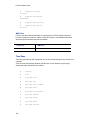
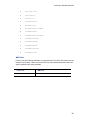
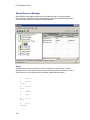
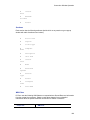
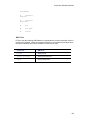
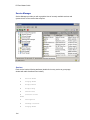
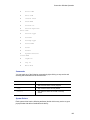
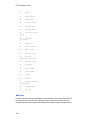
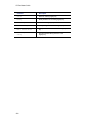
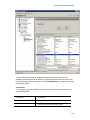
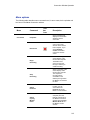
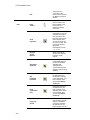
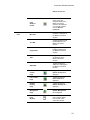
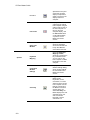
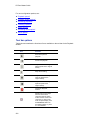
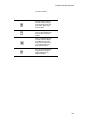
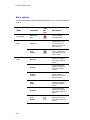
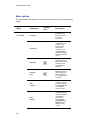
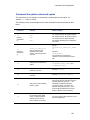
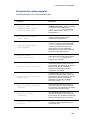
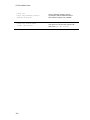
Table below describes menu commands and tool bar icons in the Master Playback
window:
Tool
bar
icon
Menu
Command
Connection
Disconnect;
Exit
Closes the Master
Playback window.
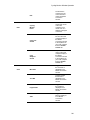
Copy Text
Copies selected text to
the clipboard on your
local computer. The
playback must be of a
text-only screen.
Copy
Graphics
Copies a selected
region of the playback
to the clipboard on your
local computer.
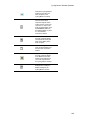
Menu Bar
Toggles whether the
menu bar is displayed
in the Master Playback
window.
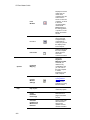
Tool Bar
Toggles whether the
tool bar is displayed in
the Master Playback
window.
Playback
Position
Toggles whether the
position indicator is
displayed in the Master
Playback window.
Page
Header
Toggles whether the
heading is displayed in
the Master Playback
window.
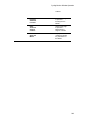
Status Bar
Toggles whether the
status bar is displayed
in the Master Playback
window.
Fit to
Window
Scales the image of the
playback to fit the size
of the Master Playback
window.
Edit
View
234
Description