1
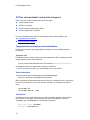
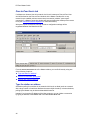
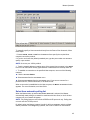
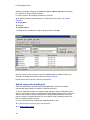
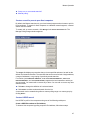
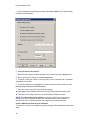
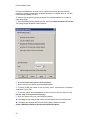
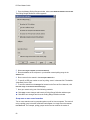
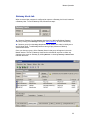
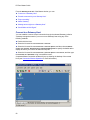
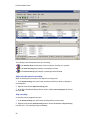
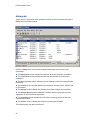
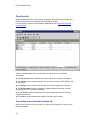
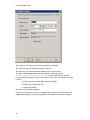
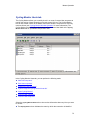
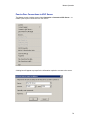
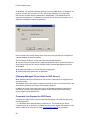
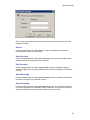
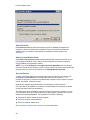
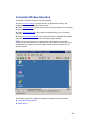
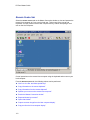
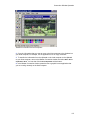
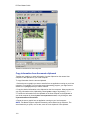
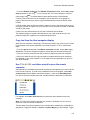
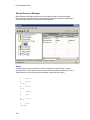
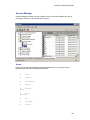
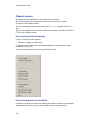
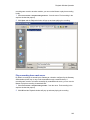
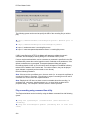
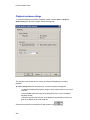
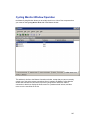
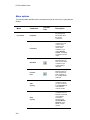
PC-Duo Master Guide Playback options Recordings can be played back from the following source locations: From the Gateway, which streams the recording in real-time over a network connection to the Playback window. From a recording file that has been saved with the .PrxRec extension to the local drive. From any standard web server, which streams the recording in real-time over HTTP or HTTPS to the Playback window. Play a recording from the Gateway To play a recording from the Gateway: 1 Select the recording you want to play. 2 Right-click the recording and choose Play Recording or choose Connection > Play Recording from the menu. The Playback window opens and the recording begins to play. Play a recording from a local disk file By default, recordings are stored by the Gateway at a location configured by the Gateway Administrator (which may or may not be accessible through a network share). If 224