1
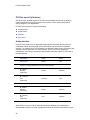
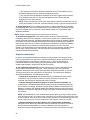
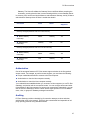
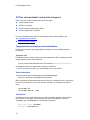
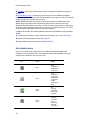
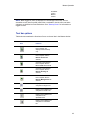
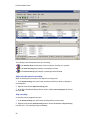
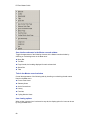
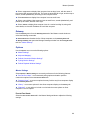
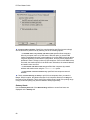
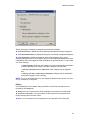
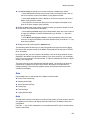
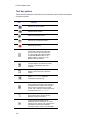
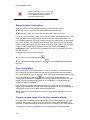
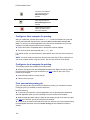
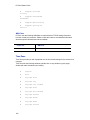
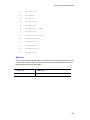
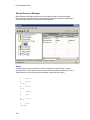
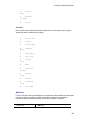
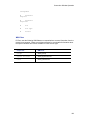
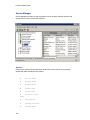
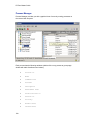
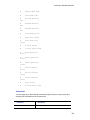
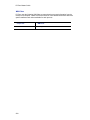
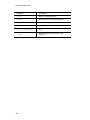
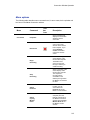
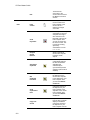
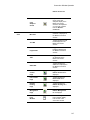
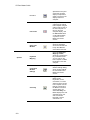
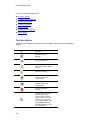
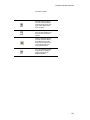
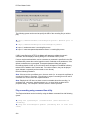
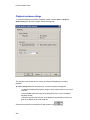
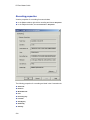
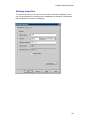
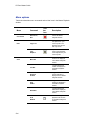
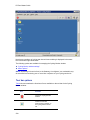
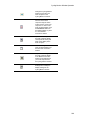
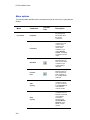
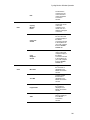
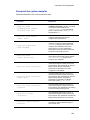
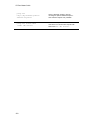
PC-Duo Master Guide For more configuration options, see: "Playback options" "Playback window settings" "Recording properties" "Gateway properties" "Delete options" "Recording format options" "Menu options" Tool bar options Table below summarizes the functions of icons available on the tool bar for the Playback window: Icon Function Resumes a paused playback. Pauses the playback. Plays back the recording at half the speed of the original activity. Plays the recording. Plays back the recording at twice the speed of the original activity. Plays back the recording at triple the speed of the original activity. Closes the Playback window. Displays the screen output from the remote Host computer using the entire monitor screen on the local computer. To return to the local computer display, click the Full Screen button on the floating palette, or press F11 in the Master 222