1
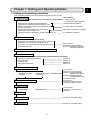
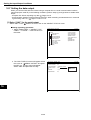
Setting the Conditions for Each Object Type
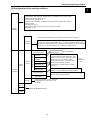
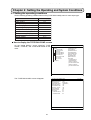
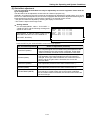
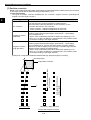
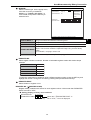
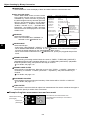
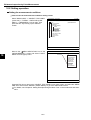
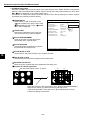
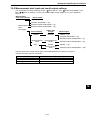
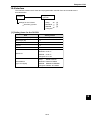
[4] Image pre-processing
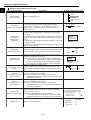
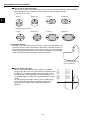
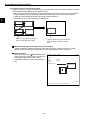
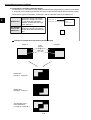
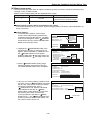
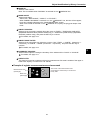
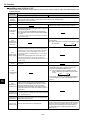
A comparative calculation between images, gray level changes, and space filter are available for image
pre-processing.
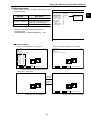
Comparative
calculation between
images
Subtracting,absolute value of difference (between camera 1 and reference
image,between camera 2 and reference image, between camera 1 and
camera 2)
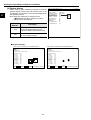
Gray level changes
Magnification by "n" processing, γ(+/-) correction, histogram widening,
midrange emphasis
Space filter
Smoothing (center/average),edge emphasis,edge extraction, horizontal
edge,vertical edge
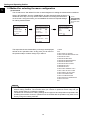
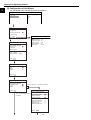
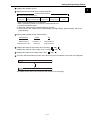
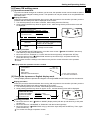
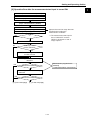
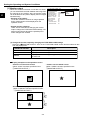
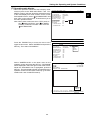
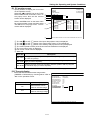
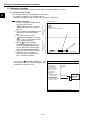
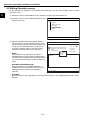
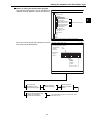
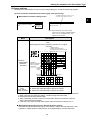
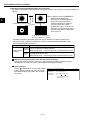
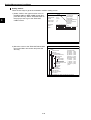
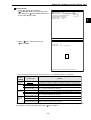
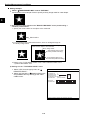
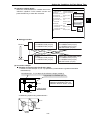
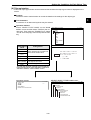
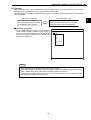
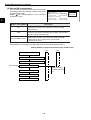
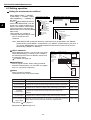
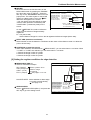
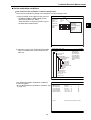
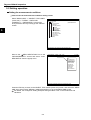
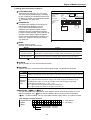
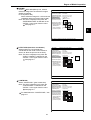
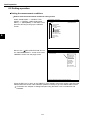
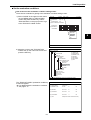
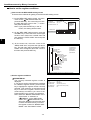
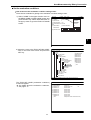
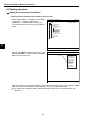
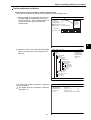
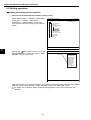
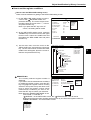
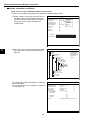
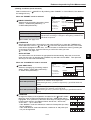
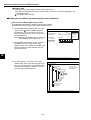
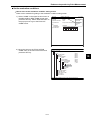
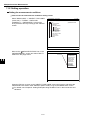
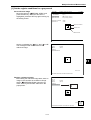
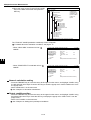
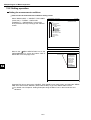
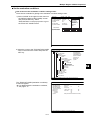
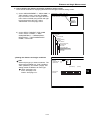
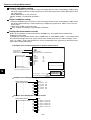
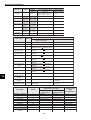
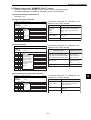
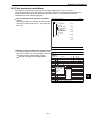
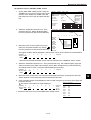
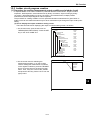
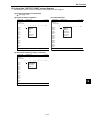
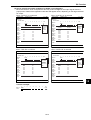
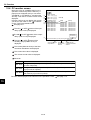
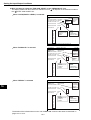
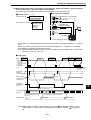
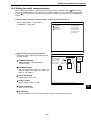
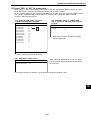
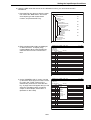
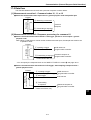
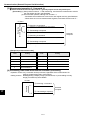
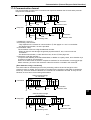
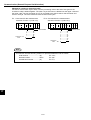
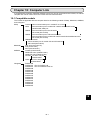
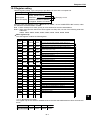
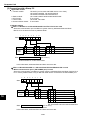
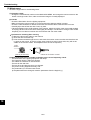
How to get to the "IMG PRE-PROC" screen
Select "OBJECT TYPE COND" and then "TYPE00"
or "TYPE(NEW)" on the "MAIN COND" screen.
Then select "MEA-CND(CAMERA1)" and "MEAS"
to open a measurement screen. At the " MEAS
SELECTION" item, press the SET key and choose
a measurement program from the popup menu.
Note: If the " MEAS SELECTION" is set to "NO,"
the image pre-processing cannot be specified.
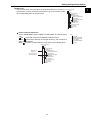
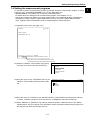
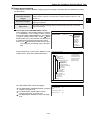
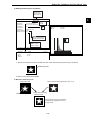
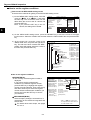
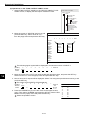
Press the ESC key to return to the OBJECT TYPE
COND screen. Then select "IMG PRE-PROC."
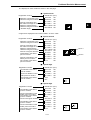
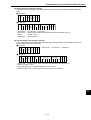
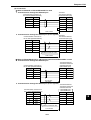
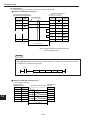
MEASUREMENT 1 SCREEN COND SAVE
1MEAS SELECTION
POSI-DEVIATION
NO
POSI-DEVIATION
CHK-DEG-MATCH
INSPECT-LEAD
MEAS-BIN-OBJ
CNT-BIN-OBJ
LABEL-BIN-OBJ
POINT-MEAS
MALTI-POSI
MULTI MATCHES
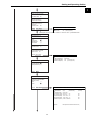
SELECT OBJECT TYPE COND
OBJECT TYPE COND
TYPE00
TYPE RUN COND
IMAGE-ADJ
MEA-CND(CAMERA1)
MEAS0(POSI-DEVIATION)
IMG PRE-PROC
+ MEAS CND
EVALUATION COND
+ DISTANCE&ANGLE COND
NUM-CALC
OUT-COND
POSI-CORRECT
MEAS(NEW)
+ MEA-CND(CAMERA2)
FINAL NUM.CALC
FINAL OUTPUT COND
OBJ-TYPE I/O
OBJ-TYPE SYS.
TYPE(NEW)
F C1 BRT
1COMPARE IMGS
2COMP IMGS COND
3CHNG GRAY LEVEL
4CONTRAST MAGNI
5SPACE FILTER
6NUM.OF FILTER
SET=TO NEXT SUB-MENU ESC=BACK SEL=CHNG IMG TRG=POPUP
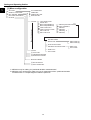
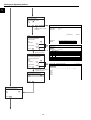
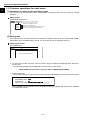
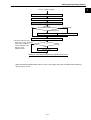
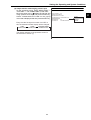
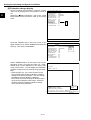
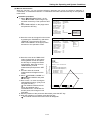
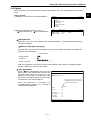
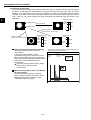
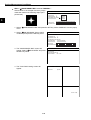
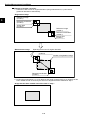
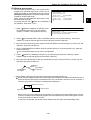
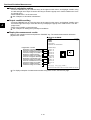
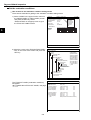
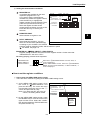
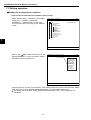
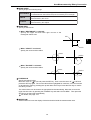
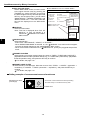
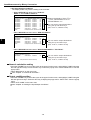
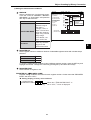
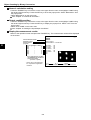
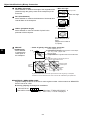
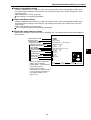
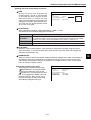
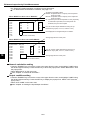
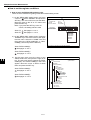
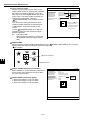
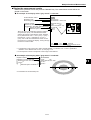
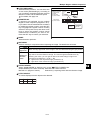
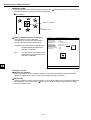
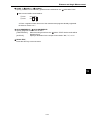
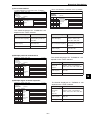
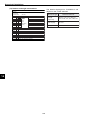
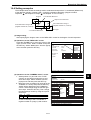
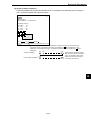
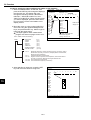
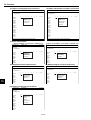
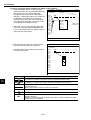
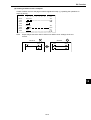
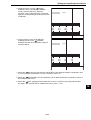
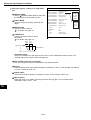
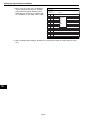
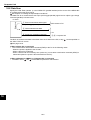
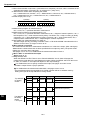
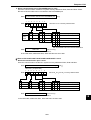
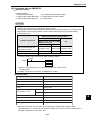
The "IMG PRE-PROC" screen will appear.
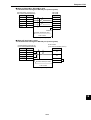
IMG PRE-PROC SCREEN COND SAVE
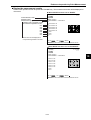
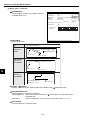
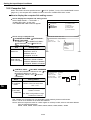
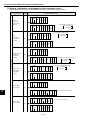
For details about "COMPARE IMGS" (compare
images), see page 3-20.
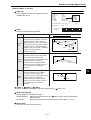
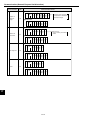
For details about "CHNG GRAY LEVEL"
(change gray level), see page 3-22.
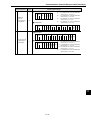
For details about "SPACE FILTER," see page
3-23.
3-19
1COMPARE IMGS
NO
2CHNG GRAY LEVEL
NO
3SPACE FILTER
NO
F C1 BRT
3