1
Setting Measurement Conditions
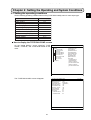
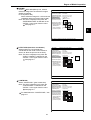
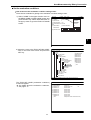
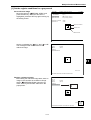
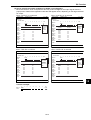
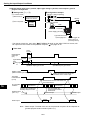
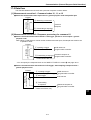
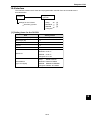
[5] Image adjustment
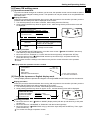
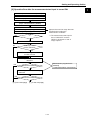
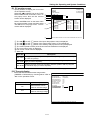
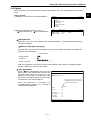
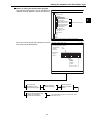
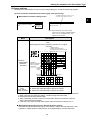
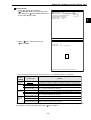
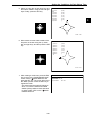
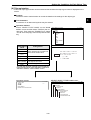
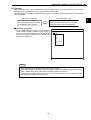
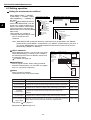
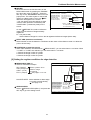
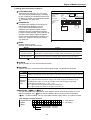
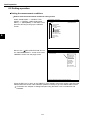
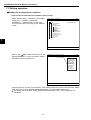
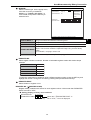
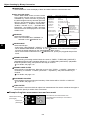
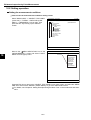
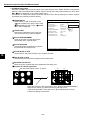
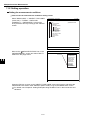
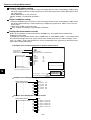
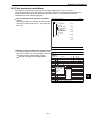
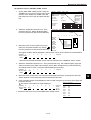
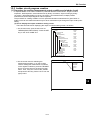
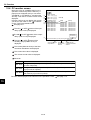
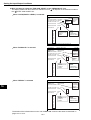
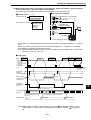
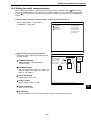
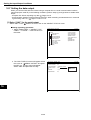
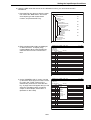
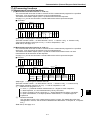
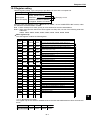
How to set the image adjustment function
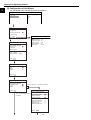
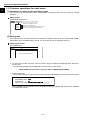
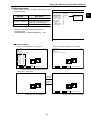
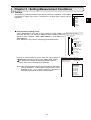
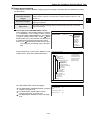
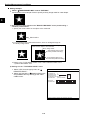
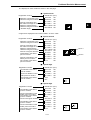
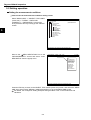
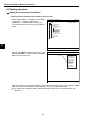
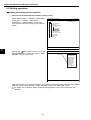
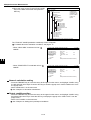
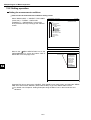
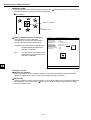
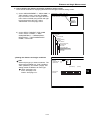
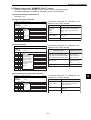
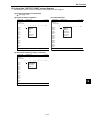
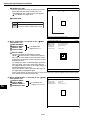
Select "IMAGE-ADJ" on the "SELECT OBJECT
TYPE COND" screen and press the SET key.
3
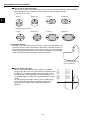
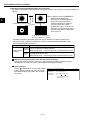
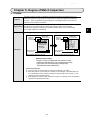
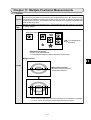
Shading correction
This process removes unevenness from images
that have gray level unevenness caused by an
illumination.
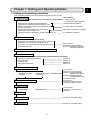
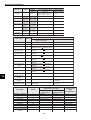
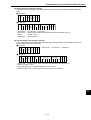
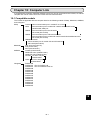
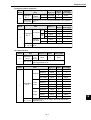
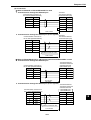
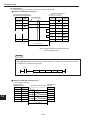
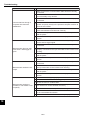
SELECT OBJECT TYPE COND
OBJECT TYPE COND
TYPE00
TYPE RUN COND
IMAGE-ADJ
+ MEA-CND(CAMERA1)
+ MEA-CND(CAMERA2)
FINAL NUM.CALC
FINAL OUTPUT COND
OBJ-TYPE I/O
OBJ-TYPE SYS.
TYPE(NEW)
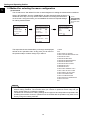
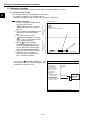
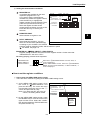
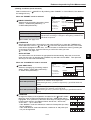
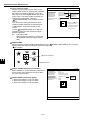
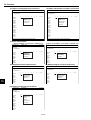
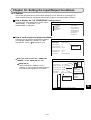
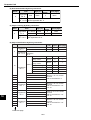
IMAGE-ADJ
1ADJ.IMG GRAY(CAM1)
2ADJ.COND(CAM1)
3ADJ.IMG GRAY(CAM2)
4ADJ.COND(CAM2)
F C1 BRT
SCREEN SAVE
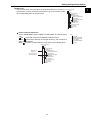
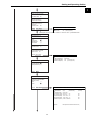
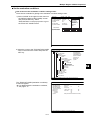
1ADJ.IMG GRAY(CAM1)
2ADJ-COND(CAM1)
3ADJ.IMG GRAY(CAM2)
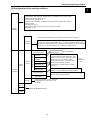
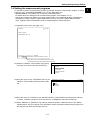
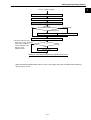
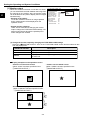
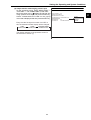
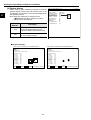
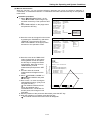
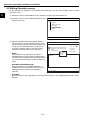
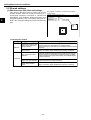
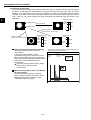
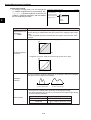
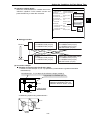
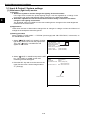
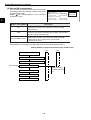
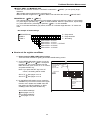
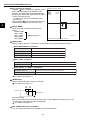
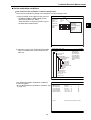
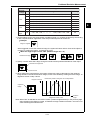
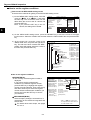
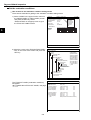
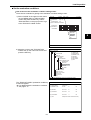
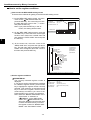
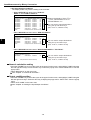
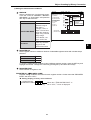
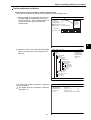
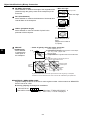
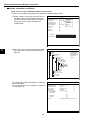
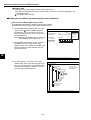
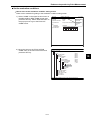
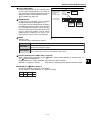
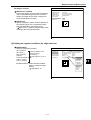
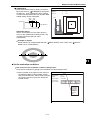
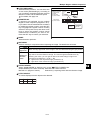
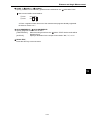
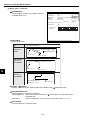
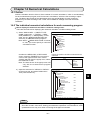
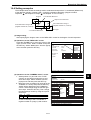
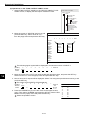
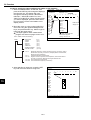
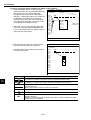
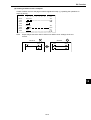
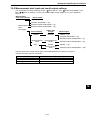
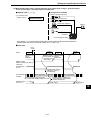
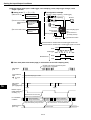
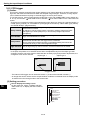
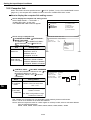
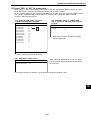
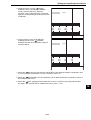
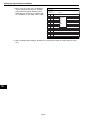
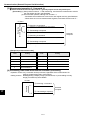
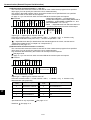
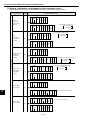
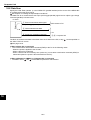
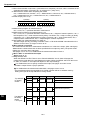
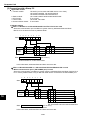
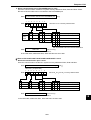
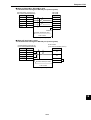
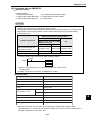
Adjustment condition
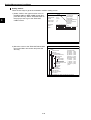
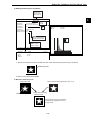
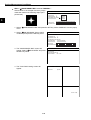
To set the adjustment conditions for gray level
corrections, select " ADJ-COND" and then press
the SET key to show the sub menu.
F C1 BRT
YES
(TO NEXT SUB-MENU)
NO
NO
YES
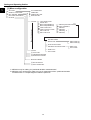
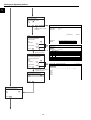
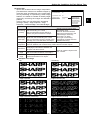
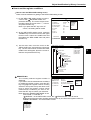
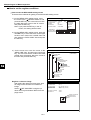
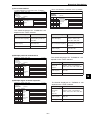
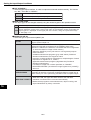
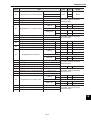
ADJ.IMG GRAY SCREEN SAVE
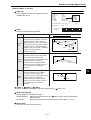
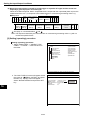
F C1 BRT
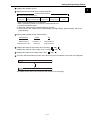
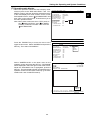
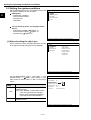
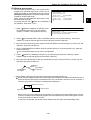
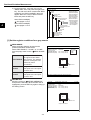
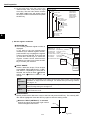
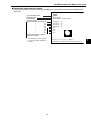
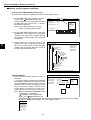
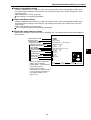
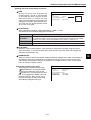
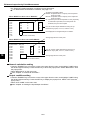
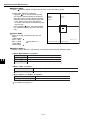
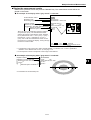
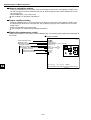
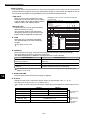
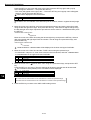
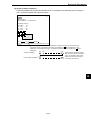
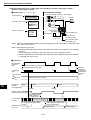
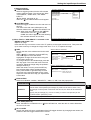
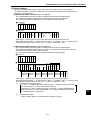
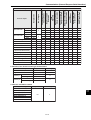
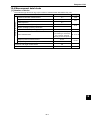
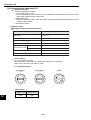
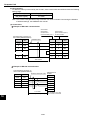
1ADJ.MODE
SUBTRACTING
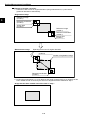
2ADJ.AREA
SET (224,208)-(287,271)
3SET STD.GRAY LV SET (224,208)-(287,271) GRAY(000)
SUBTRACTING
DECREASING
FILTERING
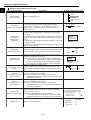
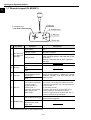
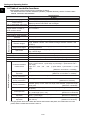
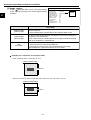
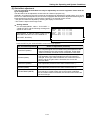
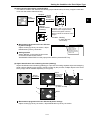
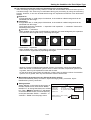
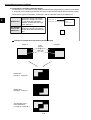
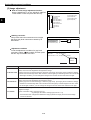
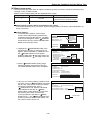
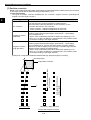
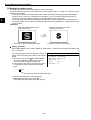
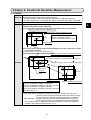
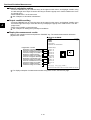
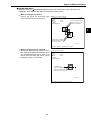
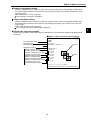
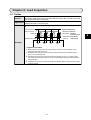
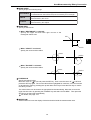
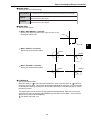
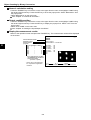
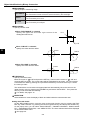
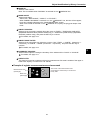
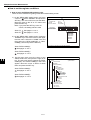
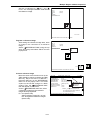
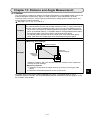
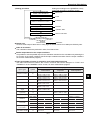
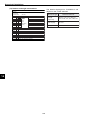
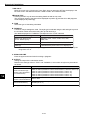
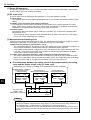
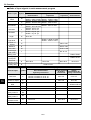
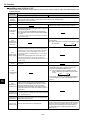
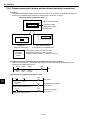
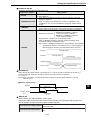
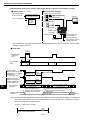
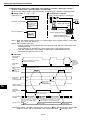
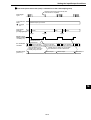
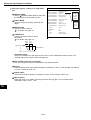
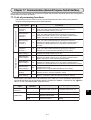
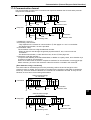
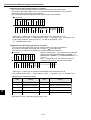
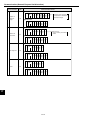
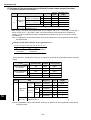
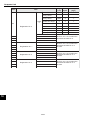
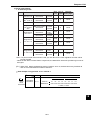
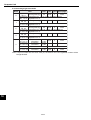
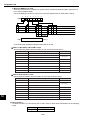
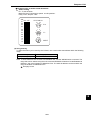
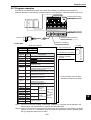
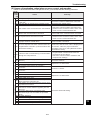
Correction mode
Details
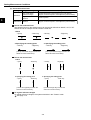
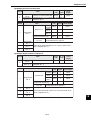
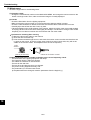
Divide a scanned image with the reference image that expresses changes of dark and bright as a
whole, and correct the brightness throughout the image.
{(Each gray level of scanned image) X reference gray level} / (Each gray level of reference image)
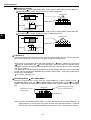
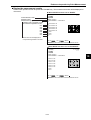
SUBTRACTING
- Divide a scanned image that is shot under the uneven light by a blank image that is shot under the
same light condition, you can change the image to the one that is shot under the even light.
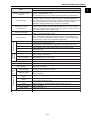
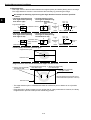
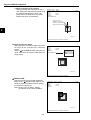
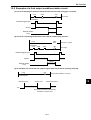
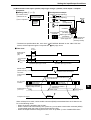
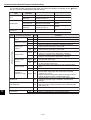
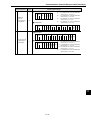
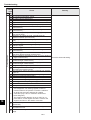
DECREASING
Subtract a scanned image with the reference image that expresses changes of dark and bright as a
whole, and correct the brightness throughout the image.
{(Each gray level of scanned image) + reference gray level} - (Each gray level of reference image)
- Subtract a scanned image that is shot under the uneven light by a blank image that is shot under
the same light condition, you can change the image to the one that is shot under the even light.
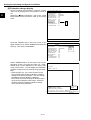
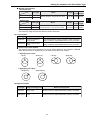
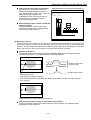
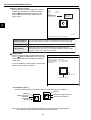
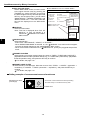
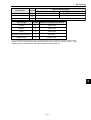
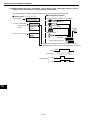
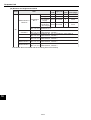
FILTERING
Filter a scanned image with the maximum value, and then with an average value, to make a
brightness image.
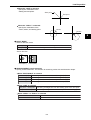
[Max. value filter: Max. gray level of 3 x 3]
- [Average value filter: Average gray level of 3 x 3]
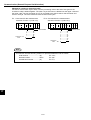
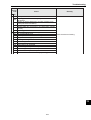
- Use this filter when a brightness distribution image (reference image) for the scanned image
cannot be obtained.
3-24