1
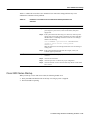
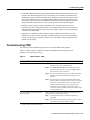
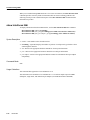
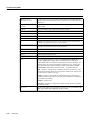
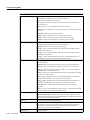
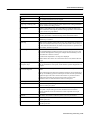
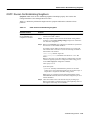
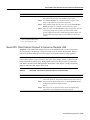
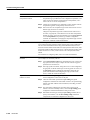
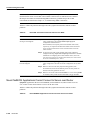
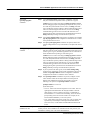
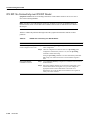
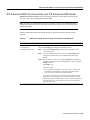
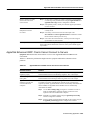
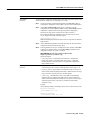
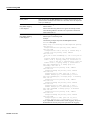
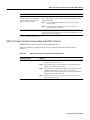
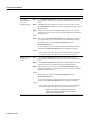
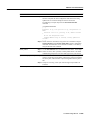
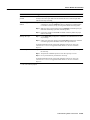
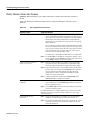
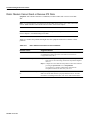
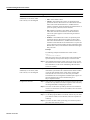
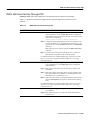
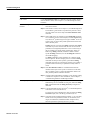
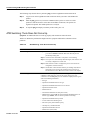
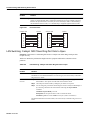
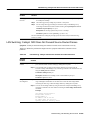
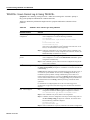
RSRB: Host Cannot Connect to Server (Peers Not Open)
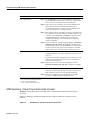
Possible Problem
Solution
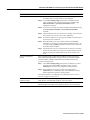
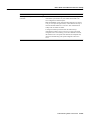
Missing or misconfigured
source-bridge remote-peer
command on the router
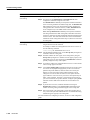
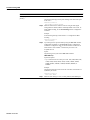
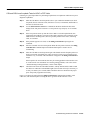
Step 1
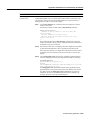
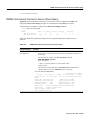
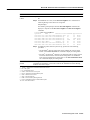
Use the show source-bridge exec command to check for remote peers.
If the output shows that peers are open, refer to the section “RSRB: Host
Cannot Connect to Server (Peers Open)” later in this chapter.
Step 2
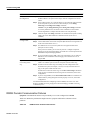
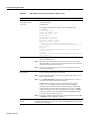
If the output shows that peers are not open, use the show running-config
privileged exec command to view the router configuration. Verify that
there are two source-bridge remote-peer global configuration command
entries present—one should point to the IP address of the local router and
the other should point to the IP address of the remote router.
Step 3
If either or both of the commands are missing or point to the wrong
address, add or modify the commands as required.
For detailed information about configuring routers for RSRB, see the Cisco IOS
Bridging and IBM Networking Configuration Guide and Bridging and IBM
Networking Command Reference.
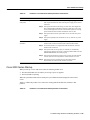
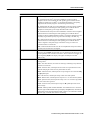
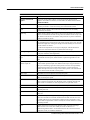
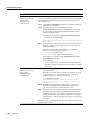
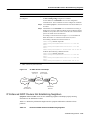
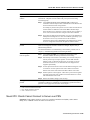
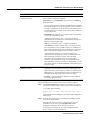
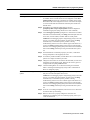
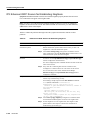
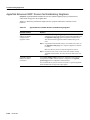
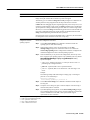
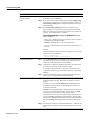
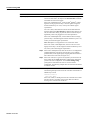
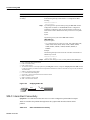
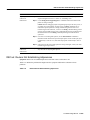
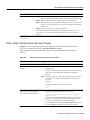
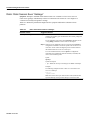
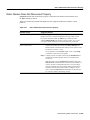
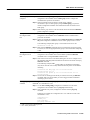
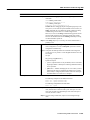
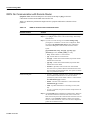
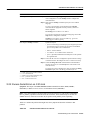
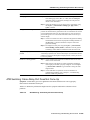
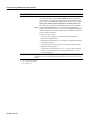
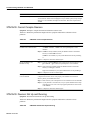
No route to the
remote peer
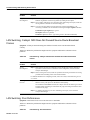
If you are using TCP1 or FST2 encapsulation between the local and remote SRB,
follow these steps:
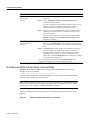
Step 1
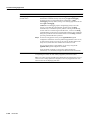
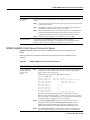
Test IP connectivity using the extended ping privileged exec command.
Use the local peer ID as the source address and the remote peer ID as the
destination address.
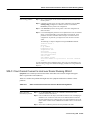
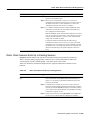
Step 2
If the ping fails, use the show ip route exec command to view the IP
routing table.
Step 3
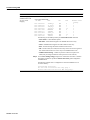
If the show ip route output does not show a route to the intended remote
peer, there is probably an IP routing problem or a problem with the
hardware or cabling in the path from the local to the remote SRB.
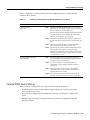
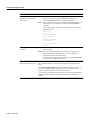
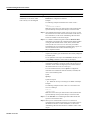
For information on troubleshooting IP routing, refer to Chapter 7,
“Troubleshooting TCP/IP.” For information about troubleshooting hardware
problems, see Chapter 3, “Troubleshooting Hardware and Booting Problems.”
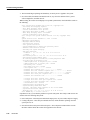
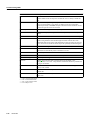
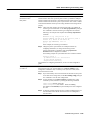
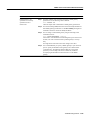
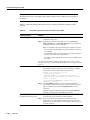
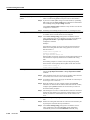
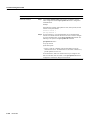
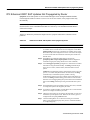
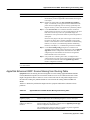
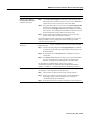
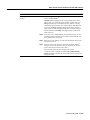
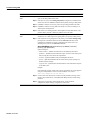
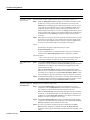
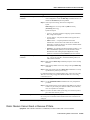
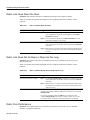
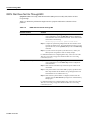
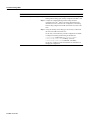
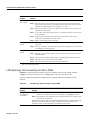
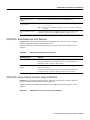
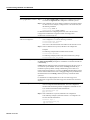
Serial link problem
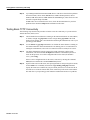
If there is a direct connection between the local and remote SRB (that is, you are
not using FST or TCP encapsulation), follow these steps:
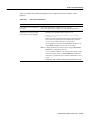
Step 1
Check to make sure that the next hop router is directly adjacent.
Step 2
If the router is adjacent, perform other tests to ensure that the link is
functioning properly. For more information, refer to Chapter 15,
“Troubleshooting Serial Line Problems.”
Step 3
If the next hop is not directly adjacent, redesign your network so that it is.
Troubleshooting IBM 10-221