1
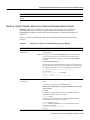
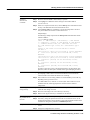
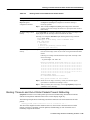
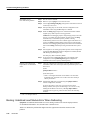
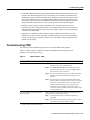
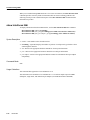
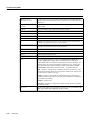
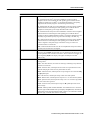
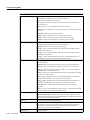
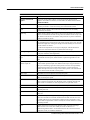
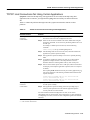
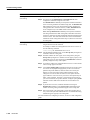
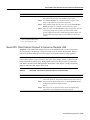
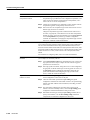
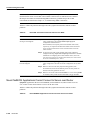
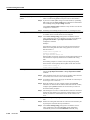
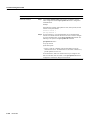
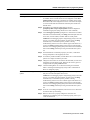
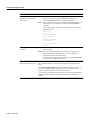
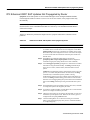
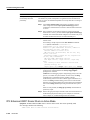
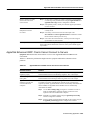
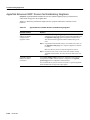
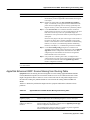
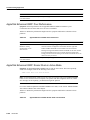
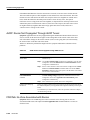
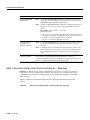
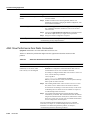
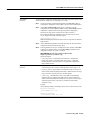
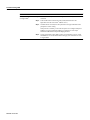
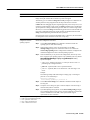
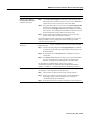
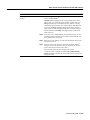
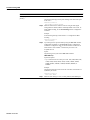
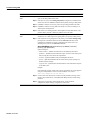
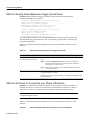
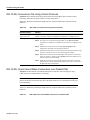
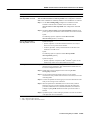
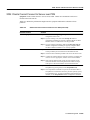
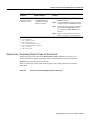
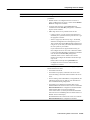
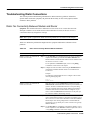
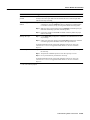
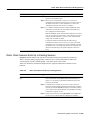
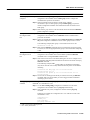
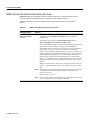
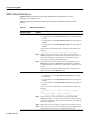
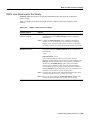
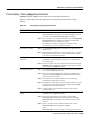
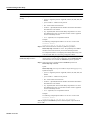
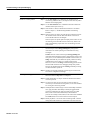
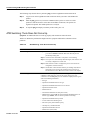
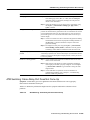
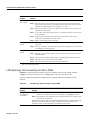
Serial Lines: Increasing Output Drops on Serial Link
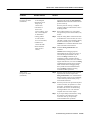
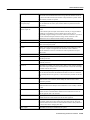
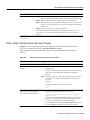
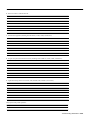
Status Line
Condition
Possible Problem
Solution
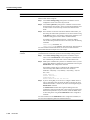
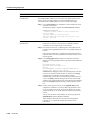
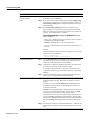
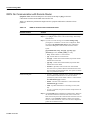
Serial x is
administratively down,
line protocol is down
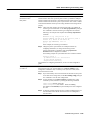
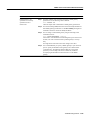
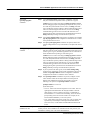
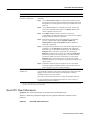
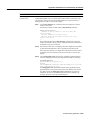
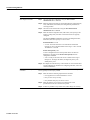
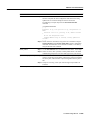
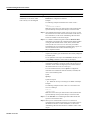
• Router configuration includes
the shutdown interface
configuration command
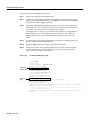
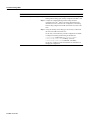
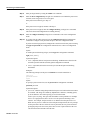
Step 1
Check the router configuration for the
shutdown command.
Step 2
Use the no shutdown interface configuration
command to remove the shutdown command.
Step 3
Verify that there are no identical IP addresses
using the show running-config privileged
exec command or the show interfaces exec
command.
Step 4
If there are duplicate addresses, resolve the
conflict by changing one of the IP addresses.
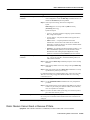
• Duplicate IP address
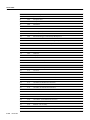
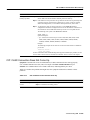
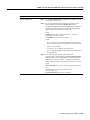
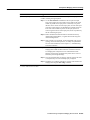
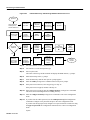
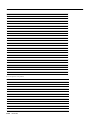
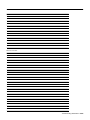
1
2
3
4
5
6
7
8
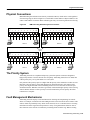
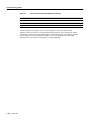
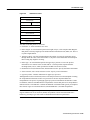
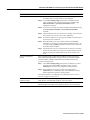
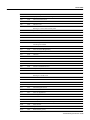
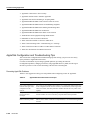
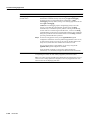
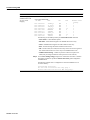
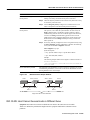
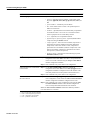
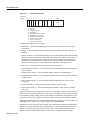
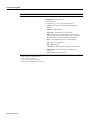
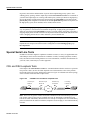
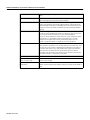
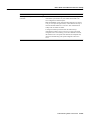
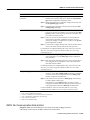
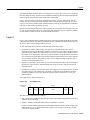
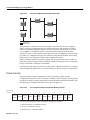
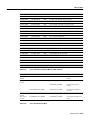
DTE = data terminal equipment
CD = Carrier Detect
CSU = channel service unit
DSU = digital service unit
SCTE = serial clock transmit external
DCE = data circuit-terminating equipment
CTS = clear-to-send
DSR = data-set ready
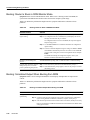
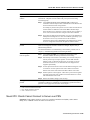
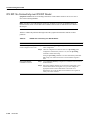
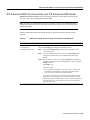
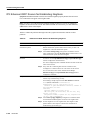
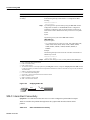
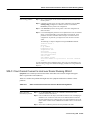
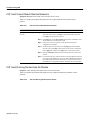
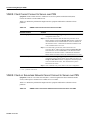
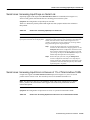
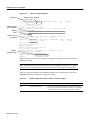
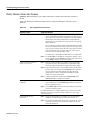
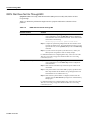
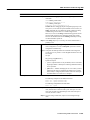
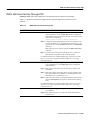
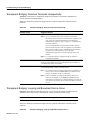
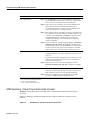
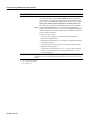
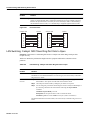
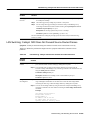
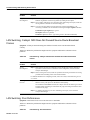
Serial Lines: Increasing Output Drops on Serial Link
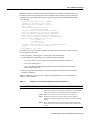
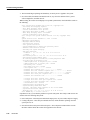
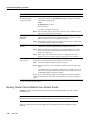
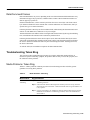
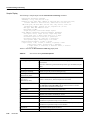
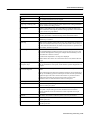
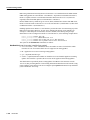
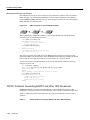
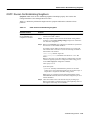
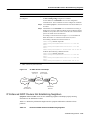
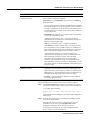
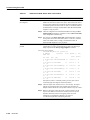
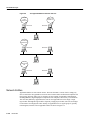
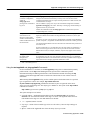
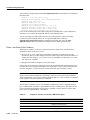
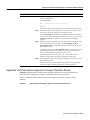
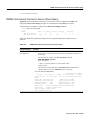
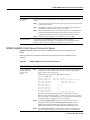
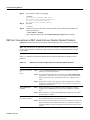
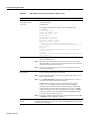
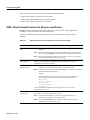
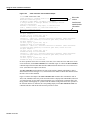
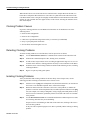
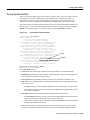
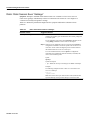
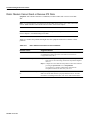
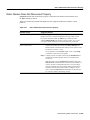
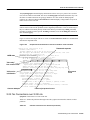
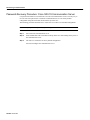
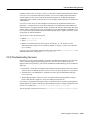
Output drops appear in the output of the show interfaces serial command (refer to Figure 15-1)
when the system is attempting to hand off a packet to a transmit buffer but no buffers are available.
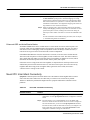
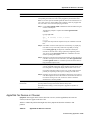
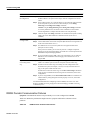
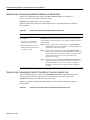
Symptom: Increasing output drops on serial link.
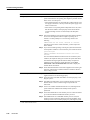
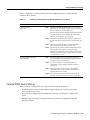
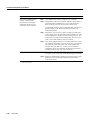
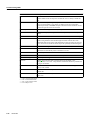
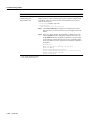
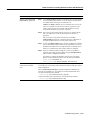
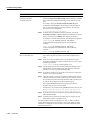
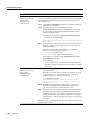
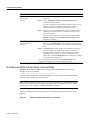
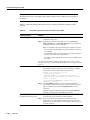
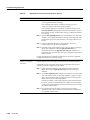
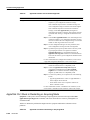
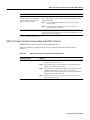
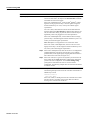
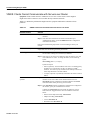
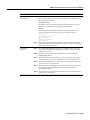
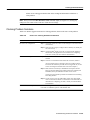
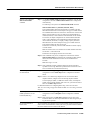
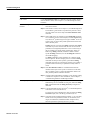
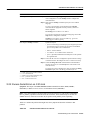
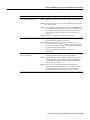
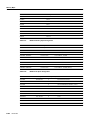
Table 15-2 outlines the possible problem that might cause this symptom and describes solutions to
that problem.
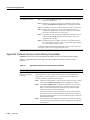
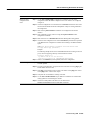
Table 15-2
Serial Lines: Increasing Output Drops on Serial Link
Troubleshooting Serial Line Problems 15-317